Browse categories
English
$
USD
Connect to your AI
Helping Creators Stream Better Without Technical Stress
Are you struggling with OBS, Streamlabs, or your live stream setup?
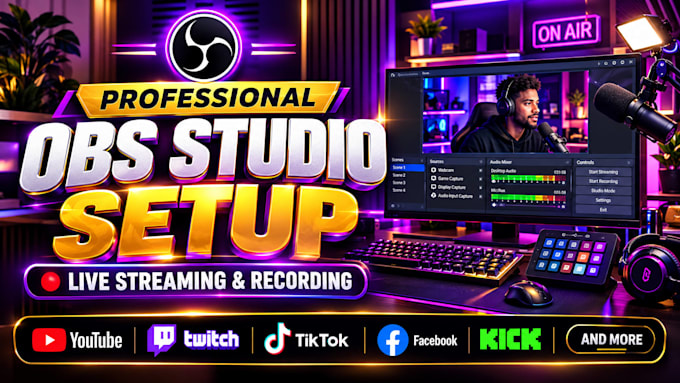
I will help you create a smooth, professional streaming experience for Twitch, YouTube, TikTok, Kick, and other platforms.
Whether you need troubleshooting, a basic setup, or a complete professional stream configuration, I can help. I specialize in fixing streaming issues, optimizing settings, setting up scenes, configuring audio, adding sources, and making sure your stream runs properly.
My service includes:
I focus on creating reliable setups that allow you to go live confidently without wasting time dealing with technical problems.
Every streamer has different needs, so I provide customized solutions based on your goals, equipment, and content style.
Order now and get a professional stream setup that helps you focus on creating content while I handle the technical side.
Software:
OBS Studio
Platform:
•
Twitch
•
YouTube
•
Kick
Purpose:
Gaming
•
Music
•
Lifestyle
•
Business
•
News
•
Streamshare
•
Webinar
What do you need to get started?
To begin, I'll need a brief description of the issue you're experiencing or the setup you want. I may also need your streaming software version, PC specifications, streaming platform, and remote access (if required and agreed upon).
Which streaming software do you support?
I work with OBS Studio, Streamlabs Desktop (SLOBS), vMix, StreamElements, and XSplit. I can help with both new installations and troubleshooting existing setups
Which streaming platforms can you configure?
I can configure your stream for Twitch, YouTube Live, TikTok Live, Kick, Whatnot, Facebook Live, and custom RTMP servers.
Can you fix audio and video issues?
Yes. I can resolve problems such as microphone echo, audio delay, no sound, distorted audio, black screens, dropped frames, lag, encoding errors, and poor video quality.
Do I need to provide remote access to my computer?
Some issues can be solved through screenshots or instructions, but for complete setup and advanced troubleshooting, remote access may be required. This is always done with your permission and only during the service.
Will you optimize my stream for my PC?
Absolutely. I will recommend and configure the best video, audio, bitrate, encoder, and output settings based on your computer hardware and internet connection for smooth streaming.
What if I have questions after the order is completed?
I'm happy to answer reasonable questions related to the work completed. Depending on your package, you'll also receive post-delivery support to ensure your stream is working as expected.
