Browse categories
English
$
USD
Connect to your AI
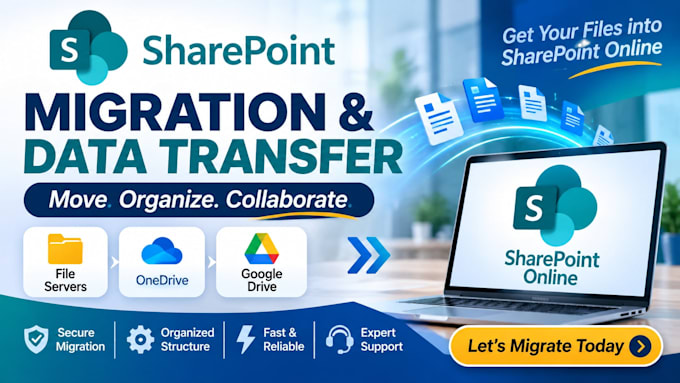
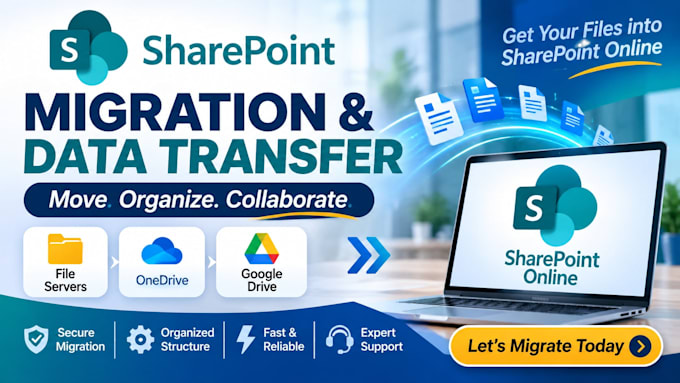
Need to migrate your files to SharePoint Online without losing the organization of your business documents?
I help businesses move and organize their files from supported platforms into Microsoft SharePoint Online, creating a more centralized environment for document storage and team collaboration.
My migration services can include:
Whether you're moving a small collection of business files or organizing documents for a department, I will review your requirements and recommend an appropriate migration approach.
My focus is on careful file transfer, organized document libraries, clear communication and checking the migrated content.
Let's move your business files into a more organized SharePoint environment.
Email Provider:
Gmail
•
Zoho
•
Mailchimp
•
Hubspot
•
Webmail
Expertise:
POP
•
Automation
•
Migration
What types of files can you migrate to SharePoint Online?
I can migrate supported business documents, spreadsheets, PDFs, images and other common file types. I will confirm compatibility before starting.
Can you migrate files from Google Drive to SharePoint Online?
Yes, subject to source access, supported migration tools and the structure of your Google Drive environment.
Can you migrate files from OneDrive to SharePoint?
Yes. I can help transfer supported files from OneDrive into an agreed SharePoint document library.
Can you migrate files from a local file server?
Yes. I can assist with supported shared folders and file-server sources. Access and migration requirements must be reviewed first.
Will my original files be deleted?
No. I will not intentionally delete your original source files. They should remain available until you have reviewed and approved the migrated content.
Can you preserve folder structures and permissions?
I can organize folder structures and review permissions. Exact permission and metadata preservation depends on the source platform, destination configuration and migration tools.
Do I need a Microsoft 365 account?
Yes. You need an active Microsoft 365 environment with SharePoint Online access and an agreed destination site.
Can you handle large or complex migrations?
Yes, after reviewing the data volume, source platforms, permissions and requirements. Large or complex projects require a custom offer.
Do you migrate emails and Microsoft Teams chats?
This Gig focuses on files and document content. Email, Teams chat and mailbox migrations are not included.
Should I contact you before ordering?
Yes. Please contact me with your source platform, estimated data size and destination requirements so I can confirm the scope first.