Browse categories
Explore
Fiverr Pro
English
$
USD
I will help you with simple online tasks and digital services
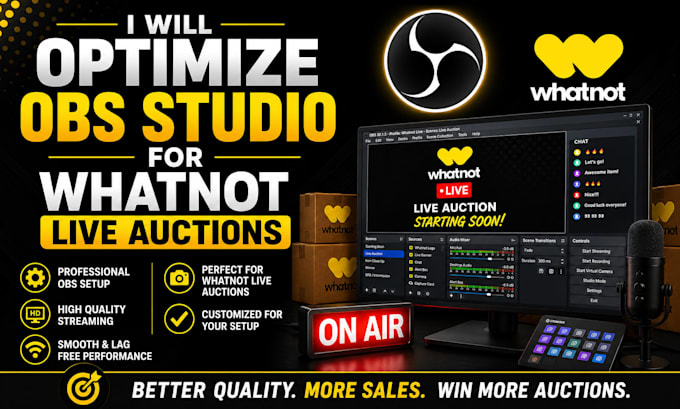
Need a smoother and more reliable Whatnot live auction? I can professionally optimize your OBS Studio to improve performance, reduce lag, enhance stream quality, and deliver a better viewing experience for your audience.
Whether you're experiencing dropped frames, poor video quality, audio issues, or high CPU usage, I'll fine-tune your OBS settings for the best possible performance based on your computer and internet connection.
My optimization service includes:
Why choose me?
Order now and let me optimize your OBS Studio for a smoother, more stable, and professional Whatnot live auction experience.

Software:
OBS studio
Platform:
•
Twitch
•
YouTube
•
Mixer
•
GosuGamers
•
Bigo Live
•
Kick
Purpose:
Gaming
•
Music
•
Lifestyle
•
Business
•
News
•
Streamshare
•
Webinar
1. What does your OBS optimization service include?
I optimize your OBS Studio settings for Whatnot live auctions, including bitrate, encoder, resolution, FPS, audio, video, and overall performance to ensure a smooth streaming experience.
2. Can you reduce lag and dropped frames?
Yes. I'll identify the cause of lag, dropped frames, or stuttering and optimize your OBS settings to improve stability and stream quality.
3. Do you work with Windows and Mac?
Yes, I provide OBS optimization for both Windows and macOS systems.
4. Will you optimize my microphone and audio settings?
Yes. I'll improve your microphone and audio settings for clear, balanced sound during your Whatnot live auctions.
5. Do I need to provide remote access?
Yes. Remote access through AnyDesk or TeamViewer is recommended so I can configure and test your OBS settings directly.
6. Can you optimize my webcam and video quality?
Absolutely. I'll optimize your webcam, video resolution, frame rate, and encoder settings for the best possible stream quality.
7. Can you optimize OBS for low-end PCs?
Yes. I'll adjust your OBS settings to deliver the best performance possible based on your computer's hardware.
8. Will my stream be ready after delivery?
Yes. Once the optimization is complete, your OBS Studio will be configured and ready for your Whatnot live auctions.
9. What information do you need before starting?
I'll need your computer specifications, internet upload speed, OBS version, and your Whatnot streaming requirements. Remote access is also recommended.
10. Why should I choose your service?
I specialize in OBS Studio optimization for live streaming and focus on improving performance, stream quality, and reliability so you can broadcast your Whatnot auctions with confidence.