Browse categories
English
$
USD
Connect to your AI
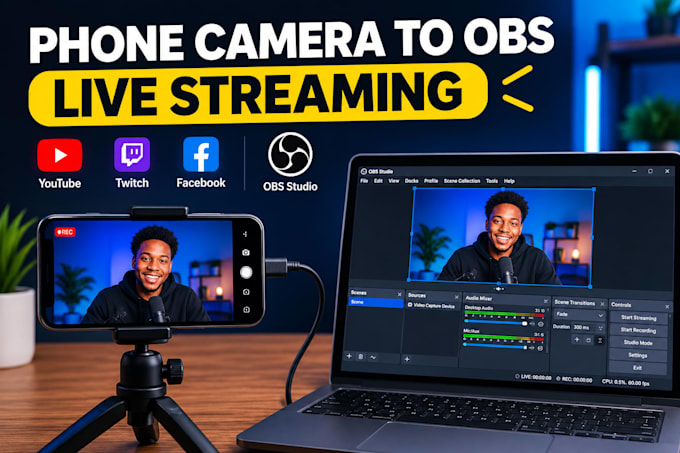
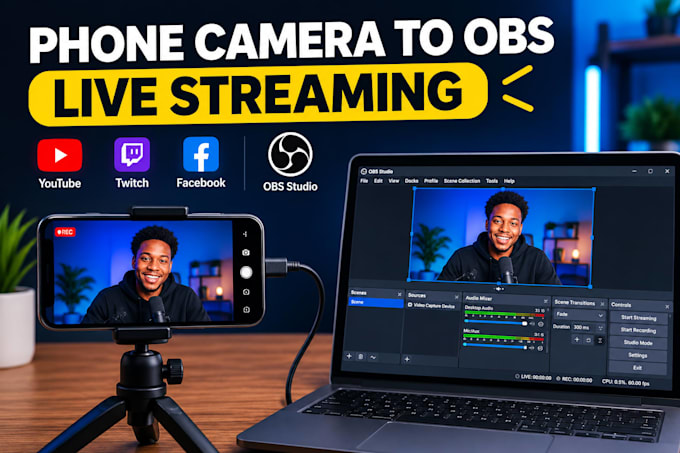
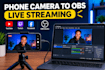
Want to use your smartphone as a high-quality camera for live streaming? I will help you connect your phone camera to OBS Studio for smooth, professional streaming.
What I offer:
Compatible with: Android phones, iPhones, OBS Studio, and supported camera connection apps.
Whether you're streaming on YouTube, Twitch, Facebook, or other platforms, I will help you get your phone camera working with OBS.
Please message me before ordering so we can discuss your phone model, computer, and streaming requirements.
Software:
OBS studio
Platform:
•
Twitch
•
YouTube
•
Mixer
•
Bigo Live
•
Smashcast
•
Kick
Purpose:
Gaming
•
Music
•
Lifestyle
•
Business
•
News
•
Sports
•
Movies
1. Can you connect both Android and iPhone cameras to OBS?
Yes, I can help connect both Android and iPhone cameras, depending on your device and connection method.
2. Do I need a capture card?
Not always. Many setups work through USB or Wi-Fi using compatible apps. A capture card may be needed for certain configurations.
3. Can I use my phone camera for YouTube or Twitch streaming?
Yes. Once connected to OBS, your phone camera can be used as a video source for supported streaming platforms.
4. Do you provide wireless camera setup?
Yes, I can help configure a wireless connection if your phone, computer, and network support it.
5. What do you need from me to get started?
Please provide your phone model, computer operating system, OBS installation status, and preferred connection method if known.
6. Can you fix an existing phone-to-OBS connection problem?
Yes, I can troubleshoot common issues such as a missing camera source, connection failures, and video display problems.
7. Do I need to buy any software?
Not necessarily. OBS Studio is free, but some third-party camera apps may have paid features.
8. Can you fix camera connection problems in OBS?
Yes, I can troubleshoot common issues such as a black screen, camera not detected, connection errors, and video lag.
9. Do I need to purchase additional software or equipment?
Not always. Some setups work with free software, while others may require a compatible app, cable, or adapter depending on your device.
10. What information do you need before starting?
Please provide your phone model, computer operating system, OBS status, and preferred connection method. Contact me before ordering so I can recommend the right setup for you.