Browse categories
Explore
Fiverr Pro
English
$
USD




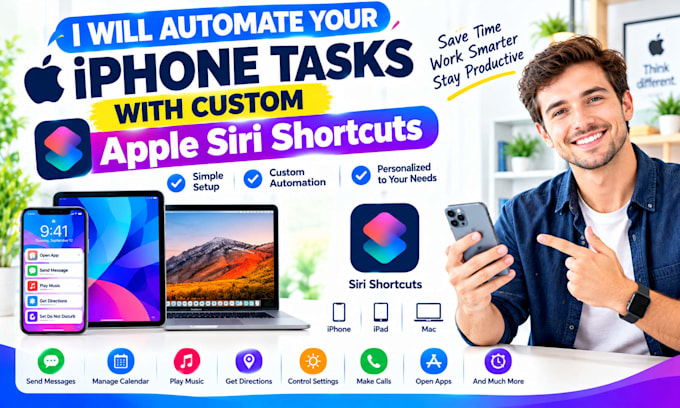
Are you repeating the same steps every dayopening apps, saving files, sending messages, creating reminders, or organizing notes?
WHAT I CAN DO FOR YOU
Apple Shortcuts can combine multiple actions into one workflow, and Personal Automations can trigger them automatically using supported device conditions.
Message me now or place an orderI respond in seconds!
Apple Shortcuts daily task automation; Apple Shortcuts morning routine; Apple Shortcuts work routine; Apple Shortcuts evening routine; iPhone multi step shortcut; iPad multi step shortcut; Mac multi step shortcut; Siri daily routine shortcut; Apple Personal Automation
Specialist
Languages
1. Can you automate files and folders on Mac?
Yes. I can create workflows for renaming, sorting, moving, converting, compressing, or processing files where macOS permissions and app support allow it.
2. What is the difference between Shortcuts, Automator, and AppleScript?
Shortcuts is best for modern cross-device workflows, Automator is useful for Mac file and app workflows, and AppleScript can automate compatible Mac apps and system tasks.
3. Can you automate PDFs or images?
Yes, where supported. I can create workflows for renaming, converting, resizing, combining, or organizing files.
4. Can you create a folder action?
Yes. I can create an Automator Folder Action that runs when files are added to a chosen folder, subject to macOS permissions.
5. Can you automate Safari or other apps?
Yes, where the app supports AppleScript or Shortcuts actions. I’ll confirm app compatibility before building the workflow. Mac automation; macOS automation; AppleScript automation; Apple Shortcuts Mac; Automator workflow; Mac task automation; Mac file automation; Mac folder automation;