Browse categories
English
$
USD
Connect to your AI
Microsoft 365 Certified Admin, SharePoint, Power Apps, Azure Virtual Desktop
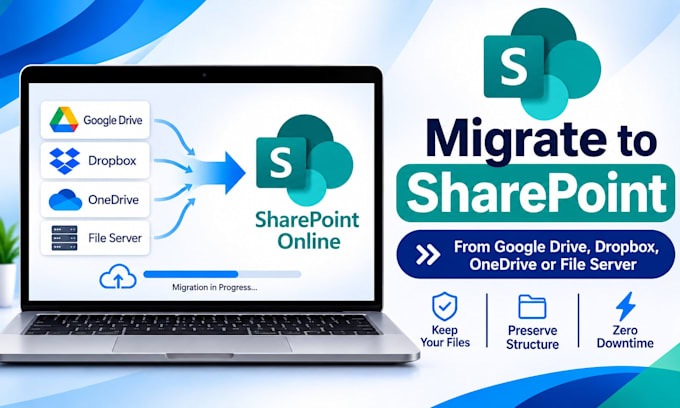
Moving from Dropbox, Google Drive or an old file server to SharePoint shouldn't mean lost files, broken folders or days of downtime.
I migrate with Microsoft's own Migration Manager, so your team keeps working while files move.
WHAT YOU GET
FROM: Dropbox, Google Drive, Box, OneDrive, file servers
TO: SharePoint Online, OneDrive or Microsoft Teams
HOW IT WORKS
Microsoft 365 Administrator Expert certified.
Not sure of your data size? Message me. I usually reply within an hour.
Can you migrate Dropbox to SharePoint?
Yes. I can migrate files and folders from Dropbox to SharePoint Online while maintaining an organized structure.
Can you migrate Google Drive or OneDrive to SharePoint?
Yes. I can help migrate data from Google Drive, OneDrive, and other supported cloud platforms to SharePoint.
Can you migrate large amounts of data?
Yes. Package limits are based on the number of accounts and data size being migrated. Larger migrations can also be discussed as a custom order.
Will my folder structure be maintained?
I will aim to preserve the existing folder organization during migration so your files remain easy to navigate.
Can you maintain access controls and permissions?
Yes, where supported by the source and destination platforms, I can help maintain the required access controls and permissions.
What do you need to get started?
I need your source platform, destination platform, approximate data size, number of accounts, and any specific migration requirements.
Will my team lose access during migration?
No, files stay usable in the old system until the final sync and switch-over.
