Browse categories
Explore
Fiverr Pro
English
$
USD
Need a professional OBS Studio setup for Twitch, YouTube, or live streaming?
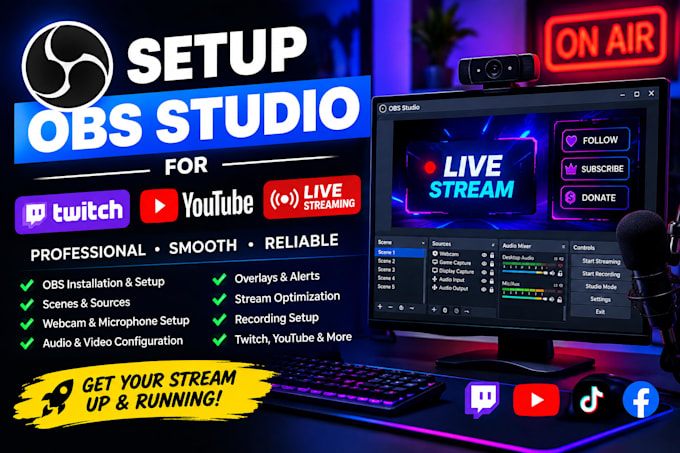
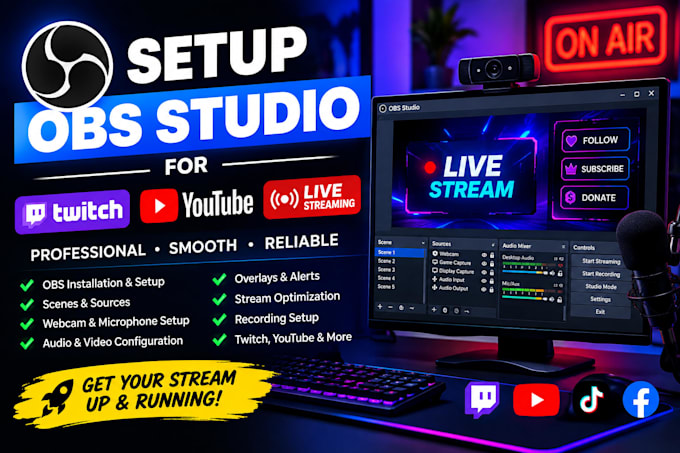
I will set up and optimize your OBS Studio for a smooth, reliable, and professional streaming experience.
Whether you're starting from scratch or need help improving your current setup, I can configure OBS to match your streaming needs.
What I can set up:
I focus on creating a clean and easy-to-use OBS setup so you can start streaming with confidence.
Message me before ordering so we can discuss your setup and requirements.


Software:
OBS Studio
Platform:
•
Twitch
•
YouTube
Purpose:
Gaming
•
Music
•
Lifestyle
What do you need from me to start the OBS setup?
I’ll need your streaming platform, OBS details, and any overlays, logos, alerts, or other assets you want included.
Can you set up OBS for Twitch or YouTube?
Yes. I can configure OBS for Twitch, YouTube, and other supported streaming platforms.
Can you set up my webcam and microphone?
Yes. I can configure your webcam, microphone, audio sources, and basic audio settings in OBS.
Can you add my overlays and alerts?
Yes. I can integrate your existing overlays, alerts, browser sources, and other stream graphics.
Can you optimize OBS for smooth streaming?
Yes. I can optimize settings such as resolution, FPS, bitrate, encoder, and other relevant options based on your setup.
Do I need to provide my own overlays?
Not necessarily. If you already have overlays, I can add them to OBS. Custom graphics can be discussed separately.
Can you also configure recording in OBS?
Yes. Recording settings can be configured alongside your streaming setup when included in your selected package.