Browse categories
Explore
Fiverr Pro
English
$
USD
DevOps and Cloud Engineer with experience of Server Administrator
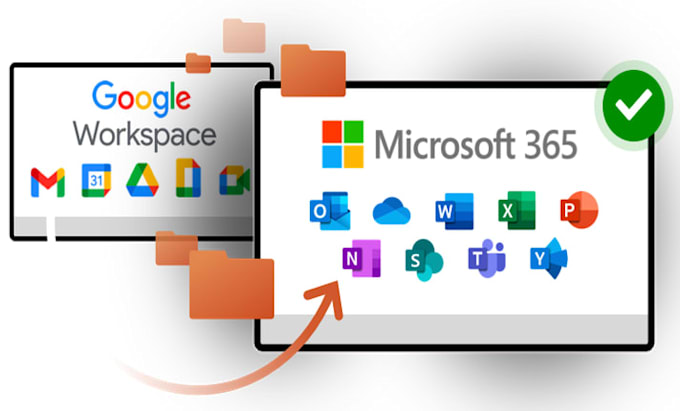
Looking to change your email hosting provider and migrate seamlessly to Google Workspace/G Suite or Microsoft 365/Office 365?
You've found the right expert! With extensive experience and 1000+ successful migrations, I specialize in providing seamless email migration and setup for clients worldwide.
What I Offer:
Supported Migrations:
Why Choose Me?
100% Security of your data and sensitive information.
Guaranteed Satisfaction Your

What details are needed to migrate my email accounts?
The following three things are required for most email migrations: Source Mailbox Logins or the Admin Account Login Destination Mailbox Logins or the Admin Account Login Domain DNS/Web Hosting Login Credentials
What are the main services included in your mailbox migration?
Mailbox migration service includes the migration of emails, contacts, and calendars, if applicable. If you also need to migrate drive data or photos, please let me know upfront, and I'll make sure the order or quote includes those services.
How much time it will take to live my Google workspace/ Office 365 account?
Your account will be live instantly after setup, with the only delay being the DNS propagation time required to update your email records, which typically takes a few hours but can extend up to 48 hours in rare cases.