Browse categories
English
$
USD
Connect to your AI


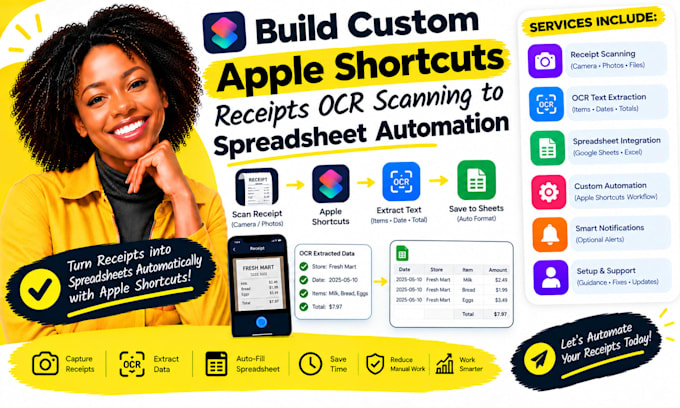
Tired of entering receipt details into spreadsheets manually? I can create an Apple Shortcut to help scan receipts, extract supported text, and prepare expense data for a spreadsheet.
Well identify the fields you need, such as date, merchant, amount, and category.
Ill configure the workflow using available device actions and confirm how the data reaches your spreadsheet. OCR results can contain errors, so the setup may include a review step before records are used.
Here's what my service includes:
Platforms I work with:
Apple Shortcuts · iPhone · iPad · macOS · Live Text · Files app · Numbers · Apple Notes · Apple Calendar · Google Sheets · Microsoft Excel · Airtable · Google Drive · Dropbox · OneDrive · Zapier · Make · QuickBooks · Xero · Microsoft 365
SELECT A PACKAGE OR MESSAGE ME FOR A CUSTOM QUOTE.
Apple Shortcuts Specialist iPhone Automation and Productivity Workflows
Languages
Can Apple Shortcuts scan receipts and extract text?
Potentially, depending on your device, operating-system version, image quality, and available text-recognition actions. I’ll confirm which fields can be extracted and test the process with sample receipts before finalizing the workflow.
Can the receipt data go into Google Sheets or Excel?
Yes, if the selected spreadsheet supports a workable connection method. We’ll define the destination, required columns, and data format, then test the shortcut using sample information before using real expense records.
Can the shortcut detect dates and totals automatically?
It may be possible, but receipt layouts vary and extracted text can be inaccurate. I’ll assess the sample receipts and build an appropriate review step where needed rather than promise perfect recognition on every document.
Can it organize receipts by category?
Yes, we can configure category prompts or supported rules based on the categories you provide. The accuracy of automatic categorization depends on the available information and logic, so we’ll agree on the expected behavior before setup.
Will this replace my accounting software?
No. A shortcut can help capture and organize receipt information, but it does not replace accounting review or professional tax advice. You should verify amounts and classifications before relying on the data for financial reporting.