Browse categories
Explore
Fiverr Pro
English
$
USD
IT Support and Software Testing Specialist
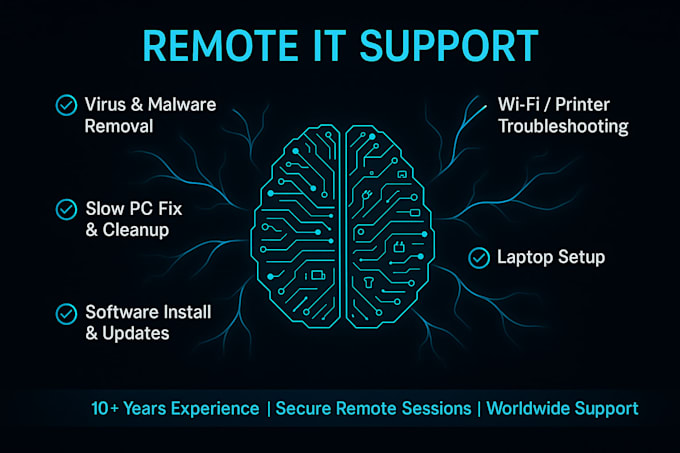
I am Christopher, a Computer Support Technician with over 10 years of experience helping individuals and small businesses get back up and running quickly.
Using TeamViewer or AnyDesk, I connect to your computer remotely - you stay in control at all times and can end the session whenever you wish.
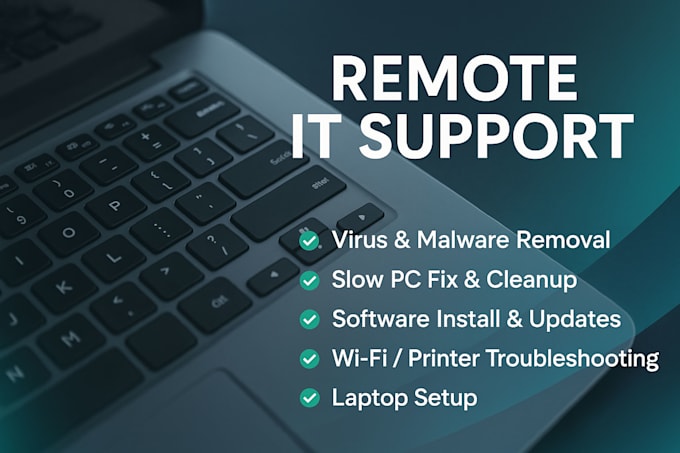
What I can fix for you:
Fast response | Secure & confidential | Friendly service
Order now and let's get your computer running smoothly again!

Device:
Desktop
•
Laptop
•
Mobile
Operating system:
Windows
•
IOS
•
Android
•
OSX
How will you connect to my computer?
I use secure remote tools like TeamViewer or AnyDesk. You control access at all times, and I can only connect when you allow me. You can also end the session whenever you wish.
What if I don’t know how to install TeamViewer or AnyDesk?
No problem at all 👍. I will send you the official download link and guide you step by step to install it. The process is simple, and usually takes less than 5 minutes. If needed, I can also provide screenshots or instructions tailored for Windows or Mac.
What do I need before the session starts?
- Install TeamViewer or AnyDesk (free software) - Make sure your computer is connected to the internet - Provide me with a short description of the issue you’re facing
Is my data safe during the session?
Yes ✅. I take privacy and confidentiality very seriously. I only access what is needed to fix the issue, and you will see everything I do on your screen.
What if you cannot fix my issue remotely?
If I cannot solve your problem online, I will provide a clear explanation of the issue and guide you with the next best steps. You will never be left without direction.