Browse categories
English
$
USD
Connect to your AI
Tutor LMS and LearnDash WordPress LMS Website Developer
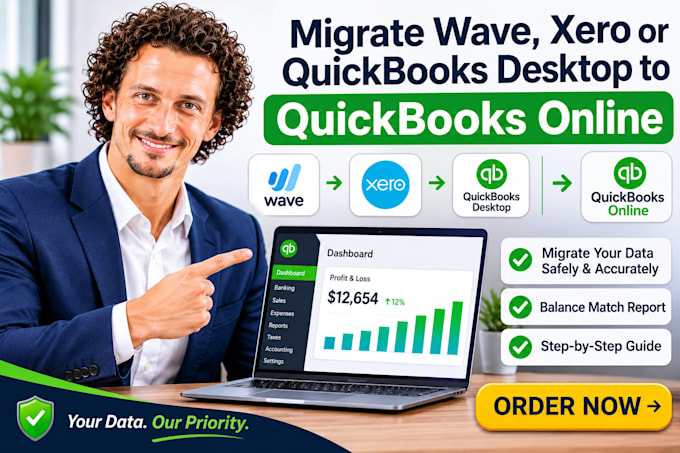
Moving to QuickBooks Online but worried about losing data or ending up with balances that don't match?
I migrate your books from Wave, Xero or QuickBooks Desktop to QuickBooks Online and check that your numbers match before I hand it over.
What I migrate:
After the move:
What you get:
FREE Migration Check: message me before ordering with your current software and years of data, and I'll tell you the best method and package.
I work through QuickBooks accountant access only. Your old file stays untouched.

Please note that there is no screening process for this service. We recommend that you message the freelancer and check all necessary details before placing your order. Read more about Financial services at Fiverr.
Will I lose any data?
I move your lists, balances, and the transaction history in your package, then compare reports from both systems so the totals match. Before we start, I'll tell you anything that can't transfer, such as some custom reports or old payroll details.
Is there a direct tool for Wave or Xero?
QuickBooks Desktop has Intuit's built-in migration tool. Wave and Xero don't, so I use clean CSV imports or, for large files, a third-party conversion tool. If a tool fee applies, you'll know before you order.
Should I move my full history or just opening balances?
Opening balances are faster and cheaper. Full history is better if you need old transactions for taxes or reports. I'll recommend one in the free Migration Check.
Can I keep using my old software during the move?
Yes. Keep working as normal, and I'll catch up the final days at cutover so nothing is missed.
Which QuickBooks Online plan do I need?
Most businesses are fine on Essentials or Plus. If you track inventory or classes in Desktop, you'll need Plus or Advanced.
How do I give you access?
In QuickBooks Online, go to Gear icon → Manage Users → Accounting Firms → Invite, then enter my email.
How will we communicate?
Everything is in writing in the Fiverr chat, so you have a clear record of every step and decision.
