 August 3, 2026
 8 minute reading
Workflow automation is the process of using software to handle repetitive, rule-based tasks across your business systems, without manual intervention. When implemented well, it frees up your team's time, reduces human error, and allows your operations to scale without proportionally scaling headcount.
The market for workflow automation tools has expanded significantly, and choosing the right platform is not a one-size-fits-all decision. The best tool for a two-person marketing team looks very different from the right solution for an enterprise engineering org. This guide breaks down the top 6 workflow automation platforms available today — what they do, who they're built for, and how they're priced — so you can make an informed decision for your business.
What Is Workflow Automation?
Workflow automation refers to the use of software to execute a sequence of tasks automatically, based on predefined triggers and conditions. Instead of a team member manually copying data from one platform to another, sending a follow-up email, or updating a spreadsheet after every sale, automation handles those steps in the background. both instantly and consistently.
Common use cases span nearly every business function: syncing lead data between a CRM and an email platform, routing support tickets to the right team, triggering client onboarding sequences, automating invoice generation, and connecting development pipelines to project management tools. Broadly speaking, most users fall into one of two camps: business users who need no-code simplicity, and technical teams who need flexibility, control, and the ability to write custom logic.
What to Look for in Workflow Automation Software
Before diving into individual platforms, it helps to know what separates a good automation tool from the right one for your business. Here are the key criteria worth evaluating:
- Ease of use: Does the platform offer a no-code or low-code builder, or does it require engineering resources to set up and maintain?
- Integration depth: How many apps does it connect to, and how well does it handle the specific tools your team already uses?
- Scalability: Can the platform handle growing task volumes, larger teams, and more complex workflows without breaking down?
- Pricing model: Is pricing based on tasks, users, or operations? Understanding how costs scale is critical before committing.
- Reliability and error handling: Does the platform notify you when a workflow fails, and does it offer retry logic or error paths
- Support and documentation: Is there strong documentation, an active community, and responsive support when things go wrong?
Top 6 Best Workflow Automation Tools in 2026
1. Zapier
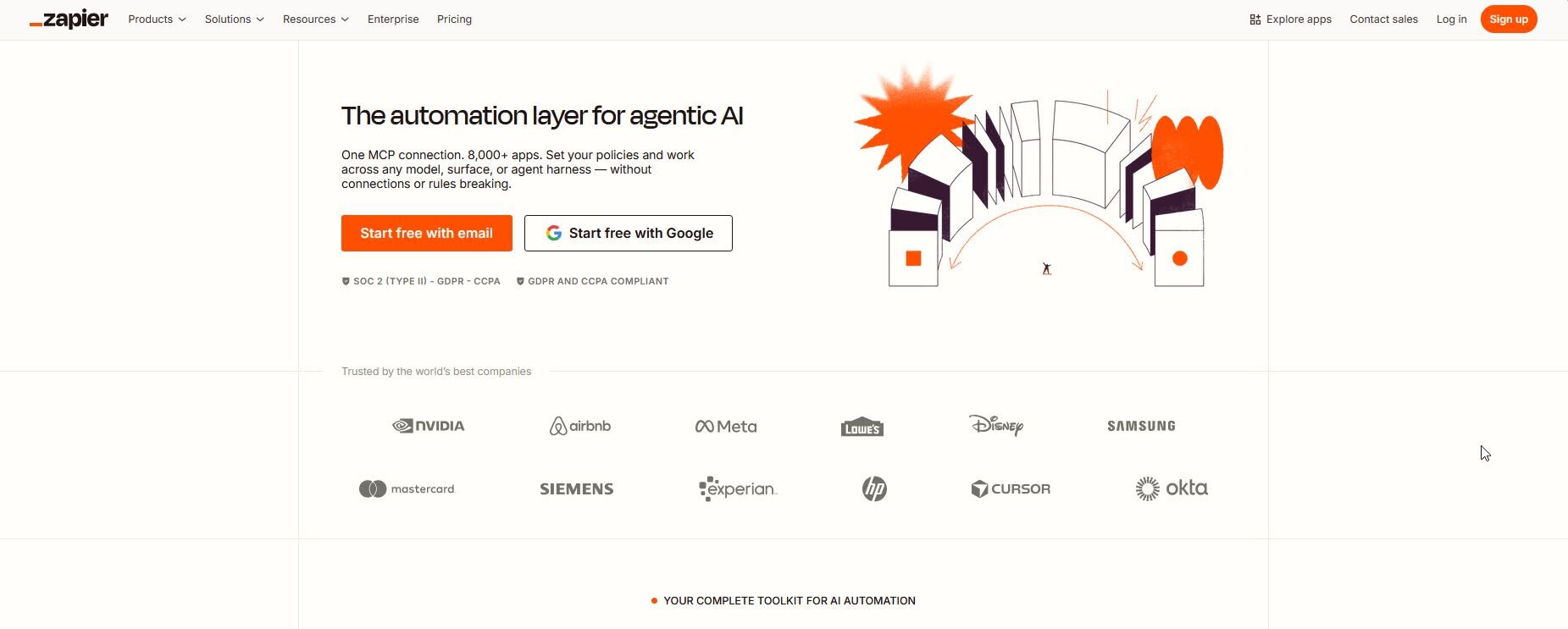
Zapier is the most widely adopted no-code automation platform on the market, and for good reason. It connects over 6,000 apps through simple trigger-action workflows called "Zaps," making it accessible to virtually any business user regardless of technical background. To learn more, you can read our in-depth guide on Zapier.
Best for: Marketing teams, small-to-mid-sized businesses, and operations managers who need fast automation without engineering resources.
Standout features: Multi-step Zaps, an AI-powered workflow builder, conditional logic, and a library of pre-built automation templates covering nearly every common business use case.
Pricing: A free tier is available with limited tasks. Paid plans start at around $19.99 per month, scaling with task volume as your automation needs grow.
2. Make (formerly Integromat)
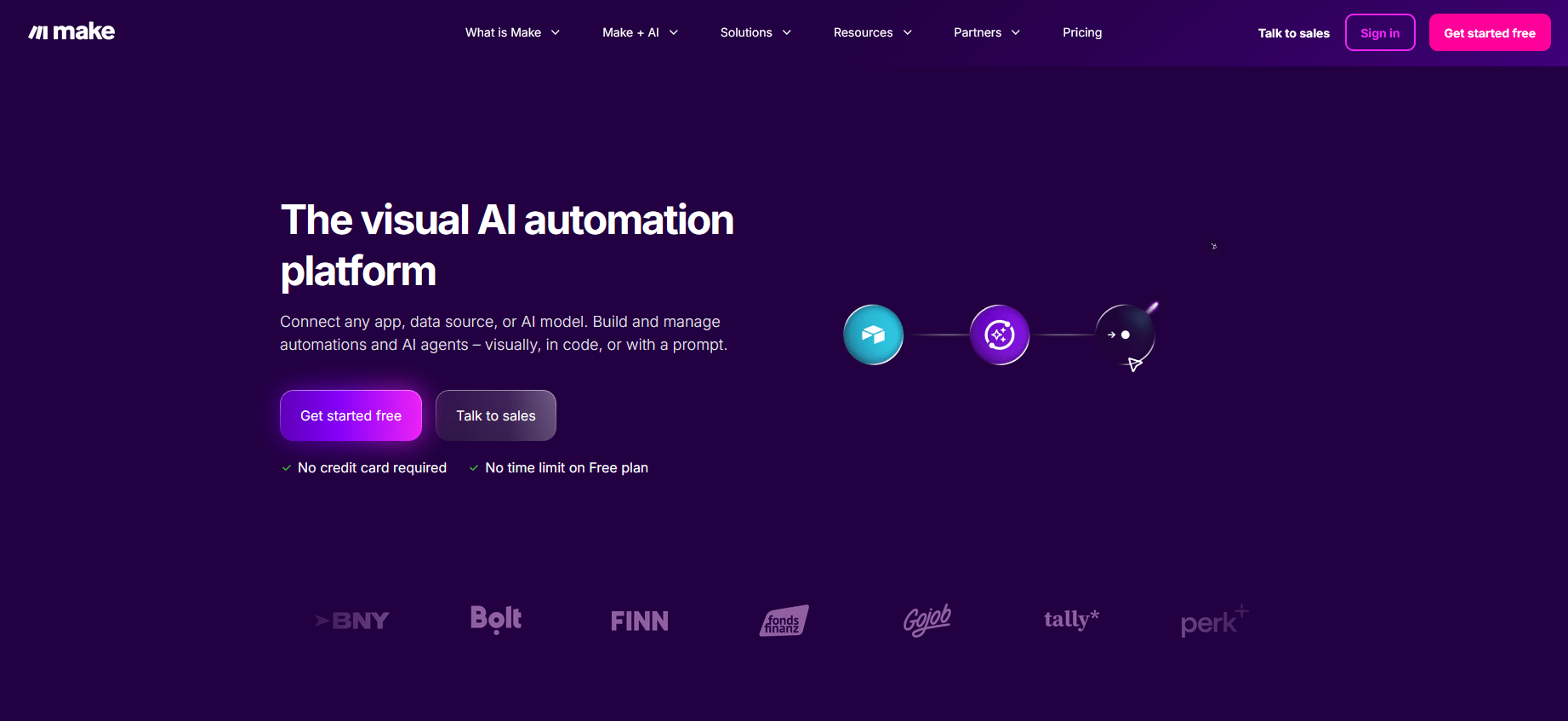
Make takes a different approach to automation. Instead of a linear trigger-action model, it offers a visual canvas where you build scenarios by connecting modules across a drag-and-drop interface. This makes it significantly more powerful for workflows that involve multiple conditions, data transformations, or branching paths.
Best for: Agencies, power users, and operations teams who need greater logic flexibility and the ability to handle more sophisticated data flows.
Standout features: Visual scenario builder, advanced data transformation, multi-branch logic, HTTP and webhook modules, and robust error-handling controls.
Pricing: Free tier available. Paid plans start at around $9 per month, based on the number of operations your workflows consume.
3. n8n
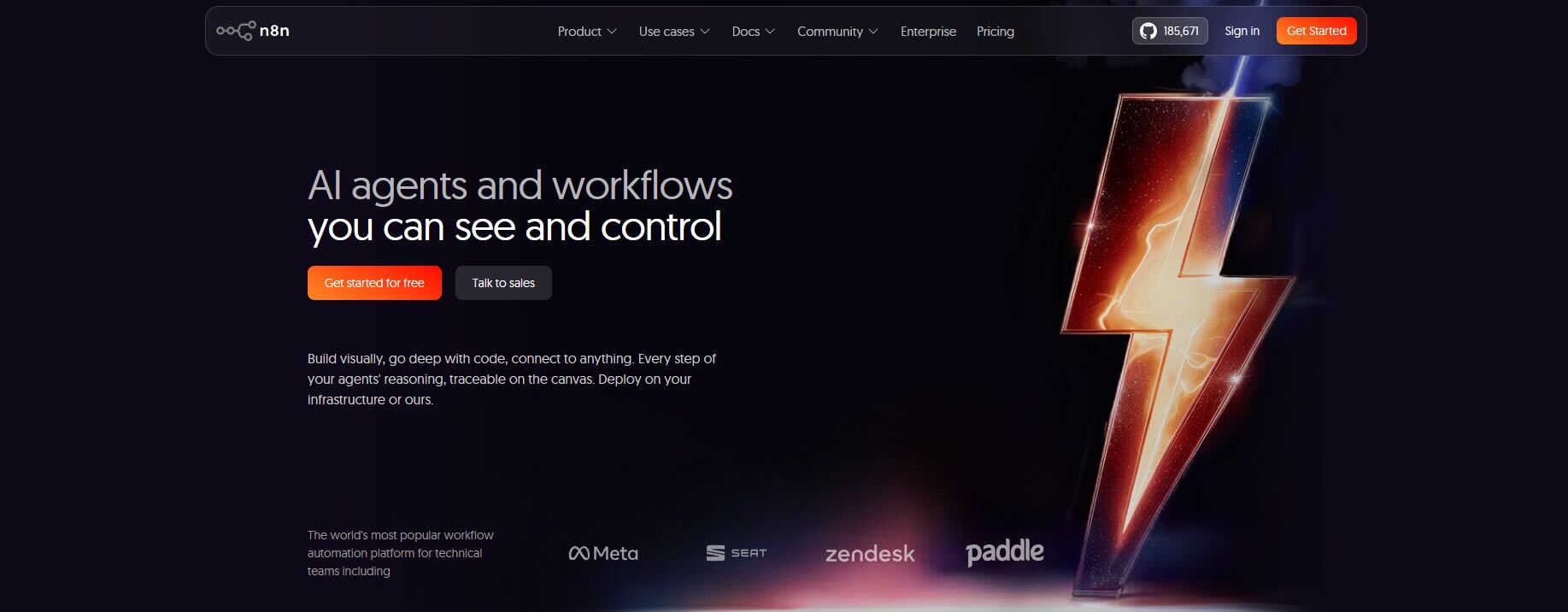
n8n is an open-source, developer-first workflow automation platform that gives technical teams full control over their automation infrastructure. Unlike Zapier or Make, n8n can be self-hosted entirely within your own environment, which is a critical advantage for businesses with strict data privacy or compliance requirements. To learn more, you can read our in-depth guide on n8n.
Best for: Engineering teams, technical startups, and businesses that need custom code execution or cannot send data through third-party cloud services.
Standout features: Open-source codebase, 400+ integrations, custom JavaScript and Python code nodes, self-hosting option, and an active developer community.
Pricing: Free for self-hosted deployments. Cloud plans start at around $20 per month.
4. Microsoft Power Automate
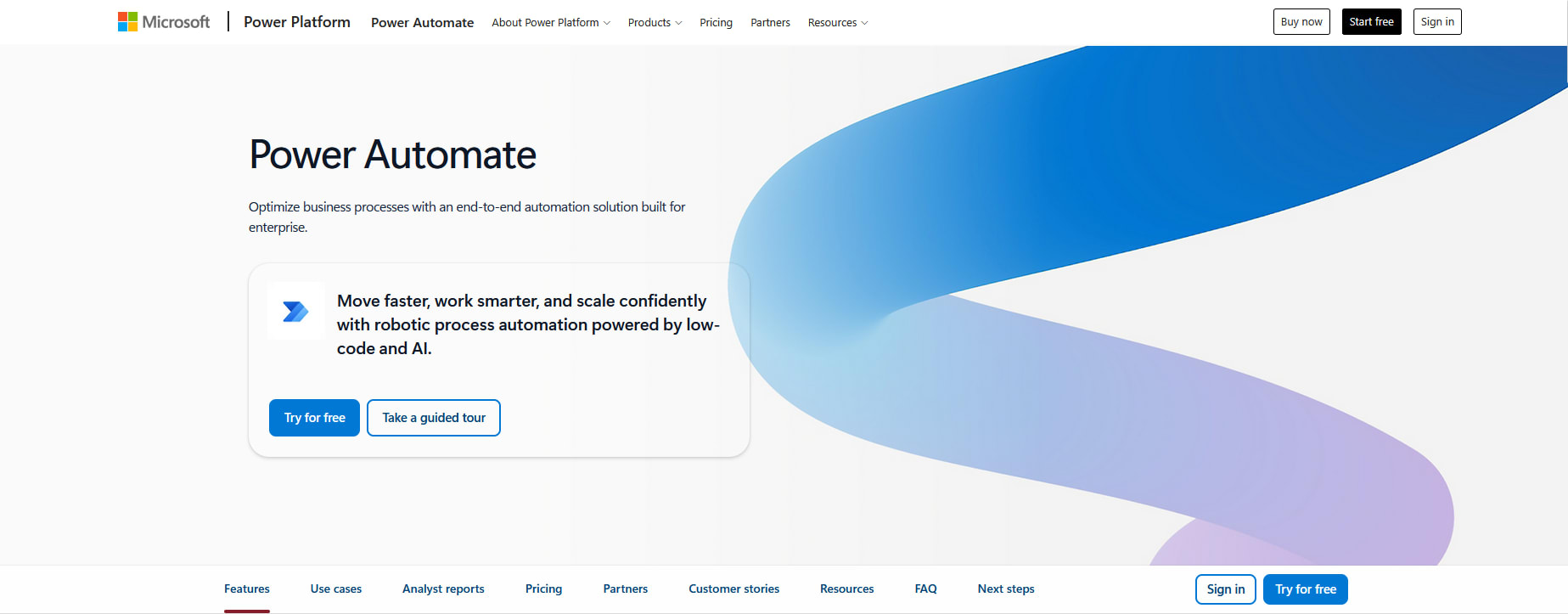
Power Automate is Microsoft's native automation platform, built to operate seamlessly within the Microsoft 365 and Azure ecosystem. For businesses already running on Teams, SharePoint, Dynamics, or other Microsoft infrastructure, it is a natural and deeply integrated choice.
Best for: Enterprise teams and businesses whose operations are heavily centered on Microsoft tools and need automation that works natively within that environment.
Standout features: Native Office 365 connectors, robotic process automation (RPA) capabilities, AI Builder integration for intelligent document processing, and enterprise-grade compliance controls.
Pricing: Included in many Microsoft 365 plans. Premium connectors and RPA capabilities start at around $15 per user per month.
5. Workato
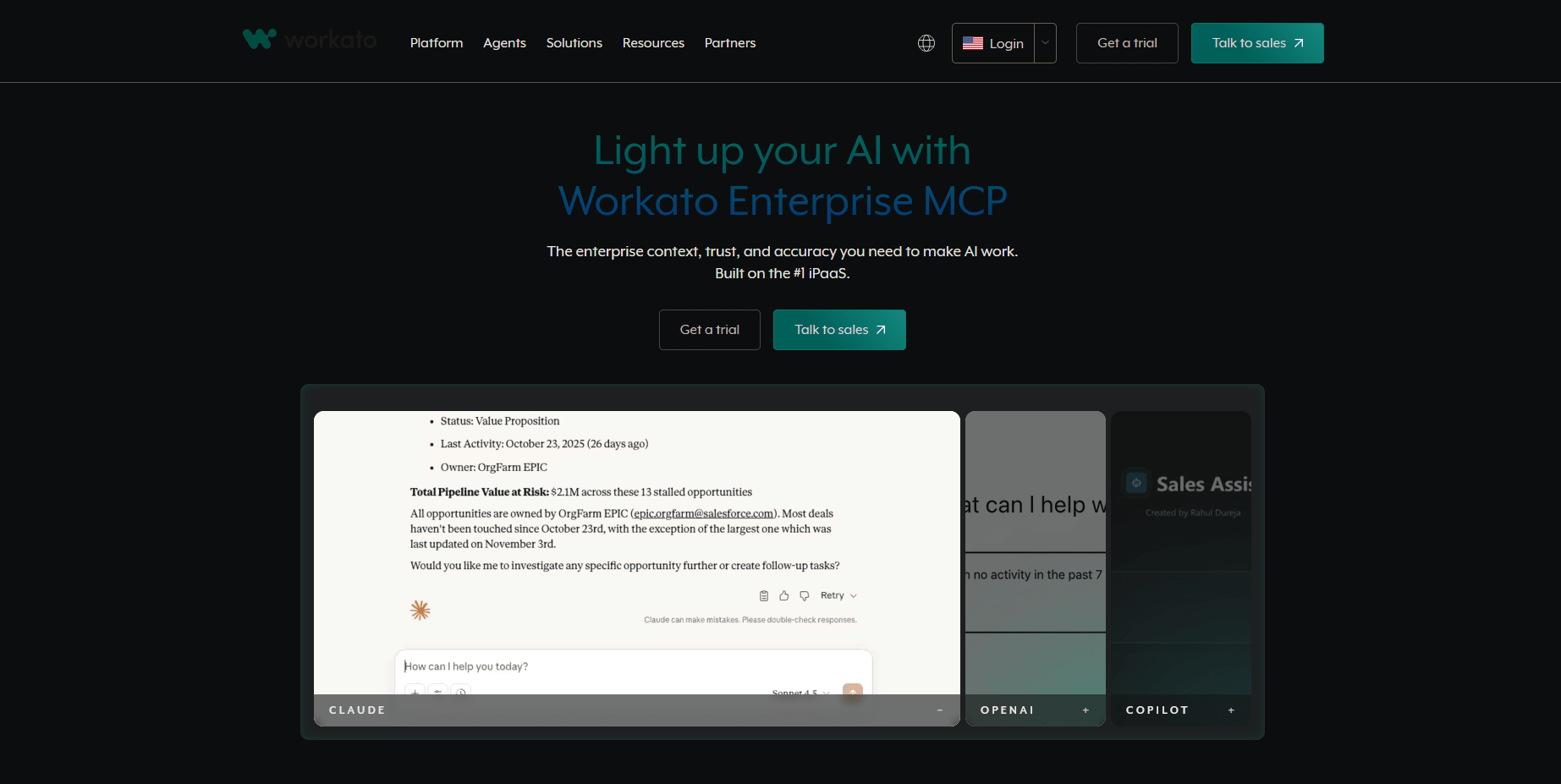
Workato is purpose-built for enterprise automation. It’s designed to handle complex, cross-functional workflows across large organizations with multiple systems, teams, and compliance requirements. It goes beyond simple app-to-app triggers, offering a full integration and automation layer for enterprise operations.
Best for: Mid-to-large businesses, RevOps teams, IT departments, and organizations managing high-volume, cross-system data flows with strict security requirements.
Standout features: Pre-built automation "recipes," deep HR and finance system connectors, real-time integration capabilities, and robust security and compliance tooling.
Pricing: Workato operates on custom enterprise pricing and is positioned as a premium platform. It is not designed for small teams or straightforward use cases.
6. Activepieces
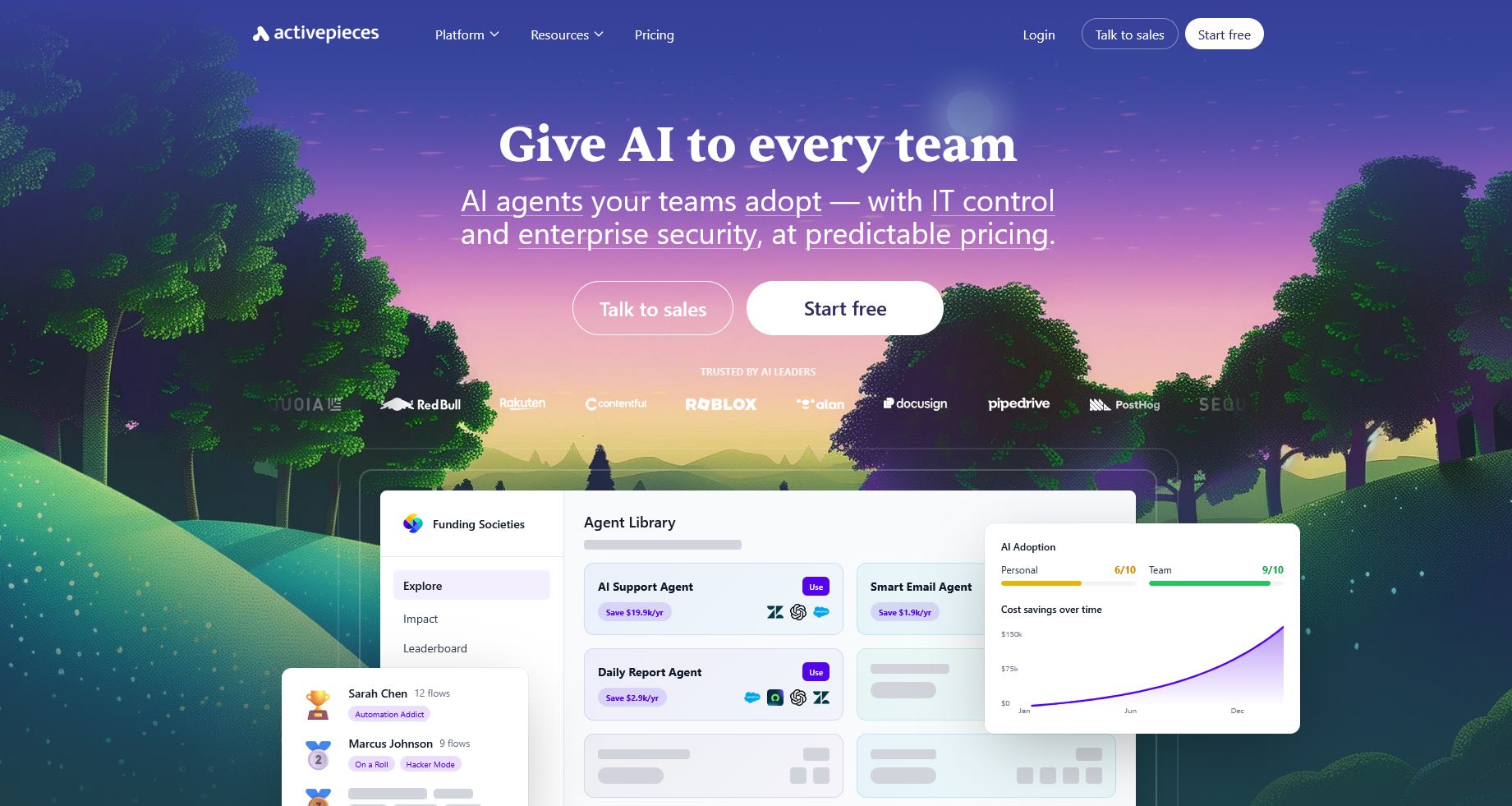
Activepieces is a newer entrant to the workflow automation space, but one worth paying attention to. It combines the clean, approachable interface of tools like Zapier with the flexibility and transparency of an open-source architecture — making it a compelling option for growing teams that want both usability and control.
Best for: Growing businesses and technical teams who want a no-code-friendly experience without the constraints of a closed, proprietary platform.
Standout features: Clean drag-and-drop builder, self-hosting option, an active open-source contributor community, and a steadily expanding integration library.
Pricing: Free for self-hosted use. Their standard plan offers 10 free active flows, after which each active one costs an additional 5$.
How to Choose the Right Workflow Automation Software for Your Business
Choosing the right tool comes down to three core factors: your team's technical ability, the complexity of your workflows, and the specific tools you need to connect.
If your team is non-technical and needs to get automations running quickly without engineering support, Zapier and Make are the strongest starting points. Zapier is more beginner-friendly, while Make offers more power for teams willing to invest time in learning its canvas-based approach.
If you have technical resources and need developer-level control, self-hosting capabilities, or the ability to write custom logic, n8n and Activepieces are the natural choices. Both are open-source, cost-effective at scale, and built with developers in mind.
If your business operates at enterprise scale — with complex cross-system workflows, compliance requirements, and multiple stakeholders — Workato or Microsoft Power Automate are the more appropriate solutions. Power Automate is the clear winner if your stack is Microsoft-native; Workato is better suited to multi-system enterprise environments.
It is also worth noting that many businesses use more than one tool. A marketing team might rely on Zapier for campaign automations while an engineering team runs n8n internally — and both approaches can coexist effectively.
Build Smarter Automation With Expert Help From Fiverr
Selecting the right workflow automation software is a strategic decision, and implementing it well is a different challenge entirely. Poorly configured workflows can create bottlenecks, introduce data errors, or scale into unmanageable complexity just as easily as they solve problems. The technical decisions made at the setup stage — how workflows are structured, how errors are handled, how integrations are architected — have long-term consequences for your operations.
For businesses that want to get automation right from the start, Fiverr Pro connects you with manually vetted process automation experts and AI specialists. Whether you need an experienced automation architect to design a multi-system workflow in Make, a developer to build and deploy a custom n8n environment, or an AI specialist to layer intelligent automation on top of your existing stack, Fiverr Pro offers expert sourcing, structured project scoping, and a satisfaction guarantee on eligible Pro orders.
FAQ
What is the best workflow automation software?
There is no single answer. The best platform depends on your use case and team. Zapier is ideal for non-technical teams needing broad app coverage. Make suits power users who need visual, multi-path workflows. n8n and Activepieces are best for developers who want open-source flexibility. Power Automate leads for Microsoft-heavy environments, and Workato is built for enterprise-scale operations.
Can I use workflow automation tools without coding knowledge?
Yes. Platforms like Zapier, Make, and Activepieces are designed specifically for non-technical users, offering visual builders and pre-built templates that require no code to set up. Developer-focused tools like n8n offer more flexibility but require technical knowledge for setup and customization.
How much does workflow automation software cost?
Pricing varies widely depending on the platform and how you use it. Most tools offer a free tier with limited capacity. Paid plans for growing businesses typically range from $20 to $150 or more per month, scaling with task volume, user count, or feature tier. Enterprise platforms like Workato use custom pricing based on organizational scope and requirements.

Related Guides



About the author
Gili Baruch-KlystAI growth specialist
A growth specialist on Fiverr’s Growth team, combining deep SEO expertise with advanced AI capabilities to drive scalable, data-driven performance.
