Browse categories
Explore
Fiverr Pro
English
$
USD
Hey,
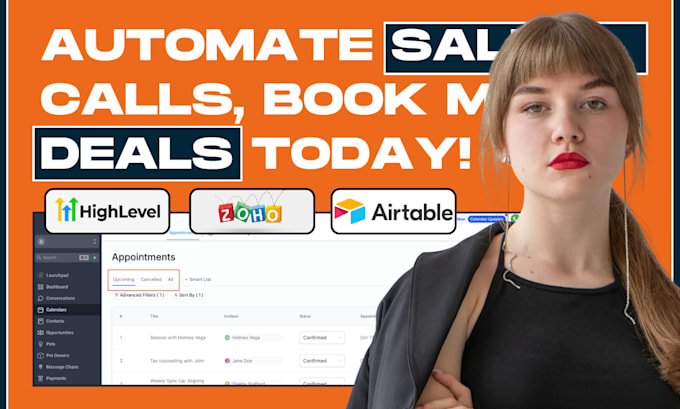
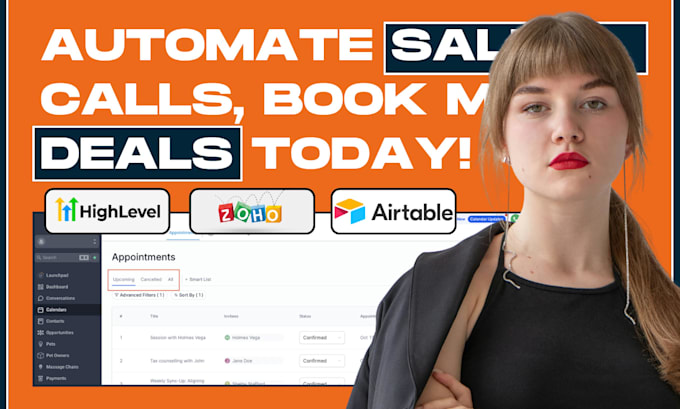
Missing sales calls and losing leads due to scheduling chaos? I'll create a seamless sales call workflow connecting Zoho CRM and GoHighLevel with automated calendar syncing that ensures you never miss another opportunity!
What You Get:
Why Me:
ORDER NOW and get your sales machine running within 2 days! Questions? Message me first - I respond within minutes



Software:
Zoho
Industry:
Construction
•
Education
•
Engineering
What exactly will you set up for my sales process?
I'll create a complete sales call system connecting Zoho CRM (for lead management) and GoHighLevel (for appointment booking). When leads book calls through your GHL calendar, they automatically appear in Zoho CRM with all details synced in real-time.
How does the calendar sync work between Zoho and GoHighLevel?
I set up bi-directional sync so appointments booked in GoHighLevel automatically appear in Zoho CRM with contact details, and your Zoho CRM activities can trigger GHL calendar events. This prevents double-booking and keeps everything synchronized.
Can multiple team members use the same system?
Absolutely! I can set up individual calendars for each team member with custom availability, or create a round-robin system that distributes appointments evenly across your sales team.
What happens when someone books an appointment?
When a lead books a call: (1) Contact is created/updated in Zoho CRM, (2) Appointment added to both systems, (3) Automated email/SMS confirmations sent, (4) Reminder sequence activated, (5) Sales rep gets notification, (6) Pre-call tasks created in CRM.
Can you integrate with my existing Google Calendar or Outlook?
Yes! I can add two-way sync with Google Calendar, Outlook, Office 365, and Apple Calendar so all your appointments stay synchronized across every platform you use.