Browse categories
Explore
Fiverr Pro
English
$
USD



Chrome no longer accepts Manifest V2. If your extension still runs on MV2, it needs a real migration, not a renamed manifest.
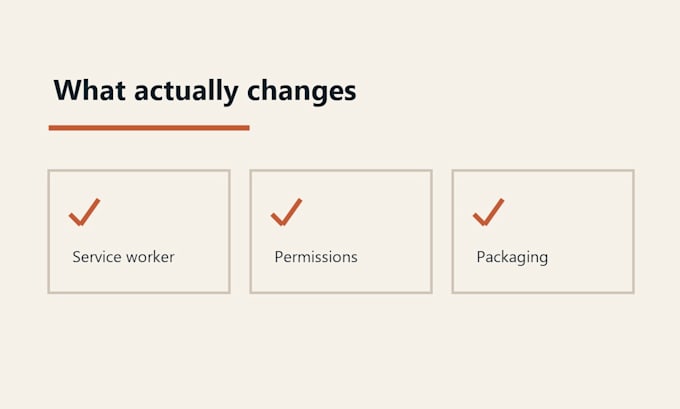
I convert MV2 extensions to Manifest V3: manifest schema, background page to service worker, permission and host-permission split, content-script registration, and the packaging a store review actually checks.
Not sure how big the job is? Start with the Audit. You get a written report mapping every MV2 API you use to its MV3 replacement, the parts that cannot be translated one-to-one, and an honest effort estimate. Order a migration afterwards and the audit becomes the plan.
Honest limits, stated before you order:
- Blocking webRequest is not always convertible. Ad blockers and extensions that rewrite requests need a redesign, not a migration. I tell you in the audit, not mid-order.
- MV3 forbids remotely hosted code. If your extension loads scripts from a server, that is a design change.
- Store-ready means files prepared and verified against the agreed scope. It does not include developer-account access, uploading, submission, or any approval guarantee.
I use AI-assisted tools; every delivery is reviewed and validated by hand.
Browser Extension Developer
Languages
Can you just change manifest_version to 3?
No. That produces an extension that loads and then fails, usually at the background script and the permission prompt. The real work is the background model, the permission split, and the request API.
My extension blocks or modifies requests. Can you migrate it?
Order the Audit first. Blocking webRequest has no general MV3 equivalent and declarativeNetRequest covers static rules only. I will tell you honestly whether your rules map or whether you need a redesign.
How do I know how big my job is before paying for a migration?
That is what the Audit package is for. It is a written deliverable on its own, and it becomes the plan if you order a migration afterwards.
Do you submit it to the Chrome Web Store for me?
No. I prepare and verify the files. Uploading and submitting happens from your own developer account, and no one can guarantee review approval.