Browse categories
Explore
Fiverr Pro
English
$
USD
Clean Audio Routing for Serious Content Creators
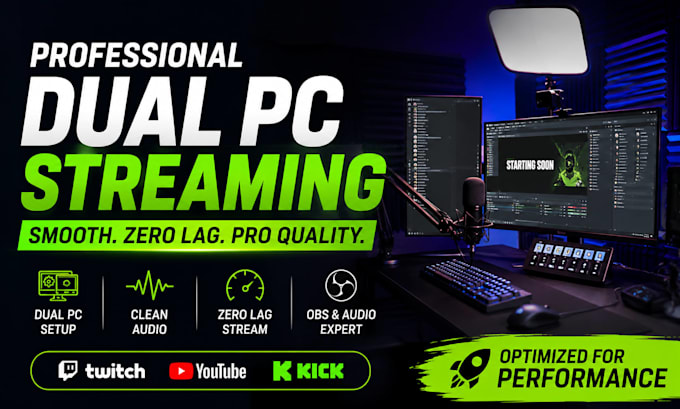
Struggling with laggy streams, bad audio routing, OBS errors, or dual PC setup issues ruining your live streams? Poor stream quality and delayed audio can reduce viewer retention, hurt engagement, and make your content look unprofessional.
Get a clean, optimized, and professional OBS setup built for smooth streaming, crystal-clear audio, and zero lag performance. Perfect for Twitch, YouTube, Kick, podcasts, gaming, and live streaming creators.
Services include OBS Studio setup, Voicemeeter setup, GoXLR setup, Streamlabs setup, audio routing, OBS audio fix, microphone balancing, stream optimization, and dual PC streaming configuration.
What You Get
Enjoy smoother streams, cleaner sound, better viewer experience, and more professional live content performance.
Message now to get your streaming setup running perfectly.
Software:
OBS Studio
Platform:
•
Twitch
•
YouTube
•
Mixer
Purpose:
Gaming
•
Music
•
Lifestyle
•
Business
•
News
•
Streamshare
•
Webinar
What do you need from me to get started?
Please provide your PC specs, streaming software details (OBS, Streamlabs, Voicemeeter, GoXLR, etc.), and explain the issues or goals for your setup. Remote access software may also be required for faster and smoother configuration.
Can you setup dual PC streaming with OBS and audio routing?
Yes. Complete dual PC streaming setups are available, including OBS Studio, Voicemeeter, GoXLR, capture cards, audio separation, microphone routing, and zero lag stream optimization for Twitch, YouTube, Kick, and Facebook Gaming.
Will this improve my stream quality and reduce lag?
Yes. The setup is optimized for smoother streaming performance, cleaner audio, better sync, lower CPU usage, and improved viewer experience. Proper optimization can help reduce audio delays, dropped frames, and stream instability.
Do you fix OBS, Streamlabs, or audio issues?
Absolutely. Common issues like no audio, delayed sound, echo, crackling microphone, OBS errors, Voicemeeter problems, Streamlabs setup issues, and audio routing conflicts can all be diagnosed and fixed professionally.
How long does the setup usually take?
Most setups are completed within a few hours depending on complexity. Advanced dual PC streaming systems, GoXLR configurations, or full stream optimization may require additional time for testing and fine tuning.
Do you provide support after delivery?
Yes. Post-delivery support is available to ensure everything runs smoothly. Additional upgrades such as stream overlays, advanced optimization, podcast setup, and long-term streaming support can also be added if needed.
Can beginners order this service?
Yes. Whether you are new to streaming or already experienced, the setup process is simple and beginner friendly. Everything is configured clearly so you can stream confidently with professional audio and smooth performance.
