Browse categories
Explore
Fiverr Pro
English
$
USD


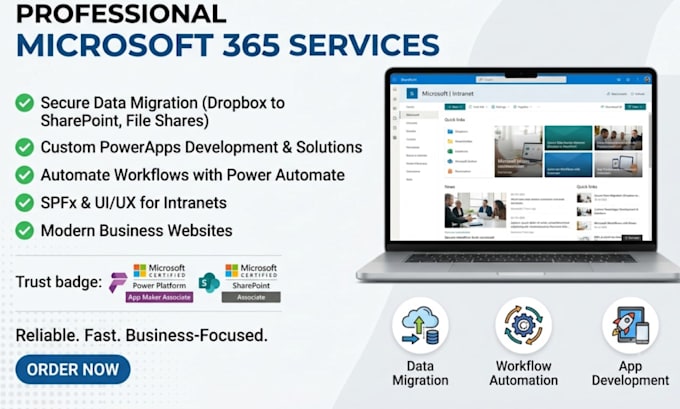
Stop fighting with download speeds and broken folder paths. Most "DIY" moves result in lost metadata, corrupted files, and destroyed permissions. You aren't just moving files; you are migrating your entire business intelligence. I eliminate the downtime and the stress of "missing" assets.
I build a complete Cloud ecosystem designed to scale. Your migration includes:
DO NOT HESITATE TO PLACE YOUR ORDER. Lets secure your data today.
Contact me
Languages
How do I ensure a secure data migration from Dropbox to SharePoint?
My data migration process uses enterprise-grade encryption and API mapping. You don’t touch a single file. I replicate your entire Dropbox hierarchy into SharePoint with 100% integrity, ensuring zero downtime for your team. It’s hands-off and high-security.
Can you move my business files from Google Drive to SharePoint?
Yes. Moving from Google Drive to a Microsoft ecosystem requires precise permission re-mapping. I handle the entire technical shift so you don't lose access levels or version history. I’ve executed 500+ successful transfers; your data is safe and fully searchable on day one.
Is it possible to migrate large cloud storage folders without a manual download?
Absolutely. We bypass the slow download and re-upload method entirely. By using server-to-server cloud protocols, I move terabytes of data at lightning speed. You save dozens of hours of bandwidth and eliminate the risk of local machine crashes or sync errors.
Will my team lose access to files during the SharePoint migration process?
Zero downtime is my standard. I perform the bulk SharePoint move in the background while your team works. A final "Delta Sync" captures the last-minute changes before we flip the switch. You get a seamless transition with zero loss in productivity or billable hours.
How do you handle complex folder permissions in a cloud data migration?
I map every user and group permission individually. Whether your data is in the cloud via Google or Dropbox, I ensure the destination settings mirror your security needs. You get a fully organized, "ready-to-work" environment without the nightmare of broken links or unauthorized access.