Browse categories
English
$
USD
Connect to your AI

Level 2

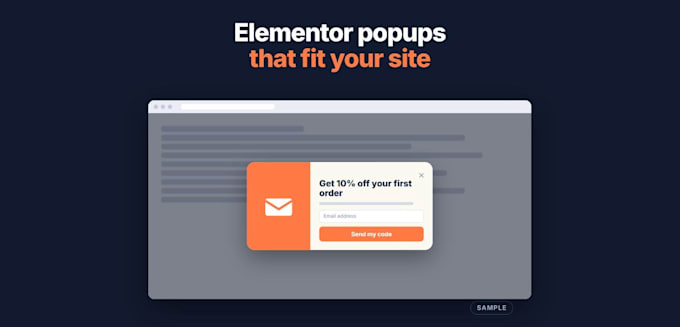
A well-placed popup can collect emails, promote an offer or remind visitors before they leave. I'll design it in Elementor Pro so it matches your site and doesn't annoy visitors.
The $5 Basic covers one popup with your text, image and button, plus one trigger (for example after 10 seconds, on scroll or on exit intent). Checked on desktop and mobile.
WHAT I NEED
- Your site URL and what the popup is for
- The text, image and button link
- A separate WordPress user for me
HOW IT WORKS
1. I confirm the trigger and where the popup should appear.
2. I design it in Elementor Pro and set the display rules.
3. You get the live popup plus screenshots.
NOT IN BASIC: forms, email marketing integrations or copywriting.
Standard adds a form that sends to your email. Premium covers up to 3 popups.
Please inform the freelancer of any preferences or concerns regarding the use of AI tools in the completion and/or delivery of your order.
Please be aware that it is against Fiverr's policies for sellers to include themes, templates, or any other elements that infringe third-party rights or applicable laws in the delivered work. Read more about in our Guide to Responsible Digital Creation.
WordPress Website Designer and Elementor Pro Expert, WooCommerce, Redesign
Level 2
Languages
Do I need Elementor Pro?
Yes. Elementor's popup builder is part of Elementor Pro. If you don't have Pro, message me before ordering.
Can the popup show only on certain pages?
Yes. I set display conditions so it appears where you want, for example only on blog posts or only once per visitor.
Can you connect it to Mailchimp or my CRM?
Not in the packages. Standard sends form entries to your email. Integrations are a custom offer.
How do I give you access safely?
Create a separate WordPress user for me (Users > Add New) and share it through a password-manager link. Delete it after delivery.