Browse categories
English
$
USD
Connect to your AI
Virtual Assistant and Data Specialist, Excel, Power BI, SQL Expert
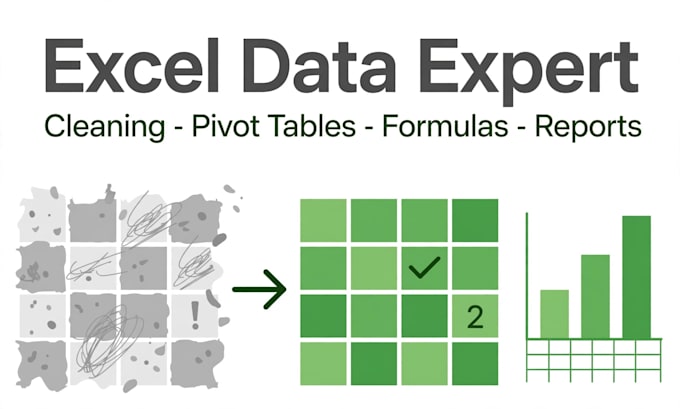
Messy spreadsheet? I'll turn it into clean, reliable, decision-ready data.
I'm a data professional with 10+ years of daily Excel experience, including student results for institutional reporting and 2,000+ records compiled monthly. I hold a Data Analytics certification (2024).
What you get:
- Data cleaning: dedupe, fix formatting, standardize names/dates/values
- Data validation and error checking so your numbers can be trusted
- Pivot tables and pivot charts for fast summaries
- Formulas: VLOOKUP/XLOOKUP, INDEX-MATCH, IF/SUMIF/COUNTIF
- Power Query for repeatable data preparation
- Formatted reports with charts, filters, print-ready layout
- Conditional formatting to highlight what matters
Why work with me:
- Advanced Excel is my daily tool, backed by 10+ years of reporting work
- I explain what I did, so you can reuse the file yourself
- Careful, detail-checked work throughout
What I need from you to start:
- Your Excel/CSV file(s)
- A short note on what the cleaned data should show
- An example of the output format you want (if you have one)
Order the package that matches your file size, or message me for a custom offer.
Technology:
Excel
Analysis Type:
Quantitative Analysis
•
Descriptive Analysis
Expertise:
Business Insights
Programming language:
SQL
•
VBA
Tools:
Microsoft Excel
What file formats do you accept and deliver?
I work with .xlsx, .xls, and .csv files, and I can also start from Google Sheets exports. Delivery is a clean, well-formatted Excel workbook unless you ask for CSV.
My data is sensitive. Is it safe with you?
Yes. Your files are used only for your order, never shared, and I can work with anonymized/sample data first if you prefer. I'm happy to delete working copies after delivery on request.
Can you build a template I can reuse every month?
Yes — choose the Premium package. I'll build a structured workbook with formulas and (where useful) Power Query steps, so you can paste in new data and refresh the report yourself.
