Browse categories
English
$
USD
Connect to your AI
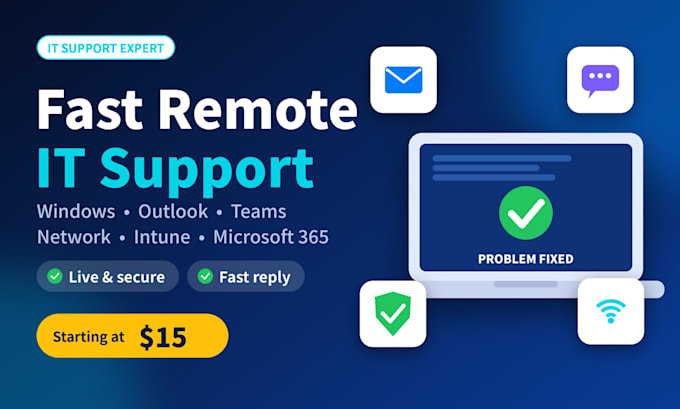
Stuck with a slow PC, email error, or user account problem? I'll fix it remotely and explain it in plain language.
COMPUTER SUPPORT
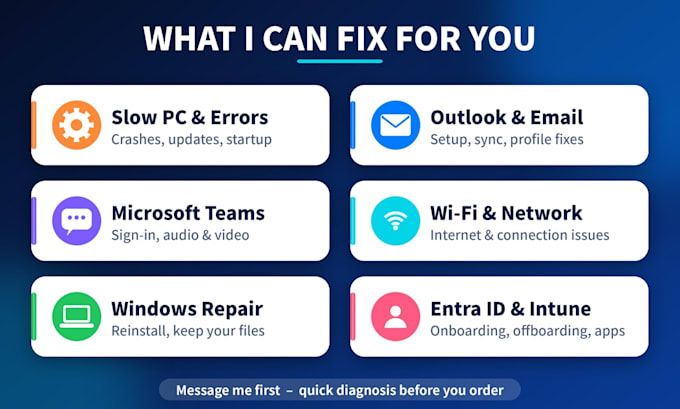
- Slow PC, crashes, freezing, Windows Update errors
- Windows repair reinstall (files kept)
- Outlook: profile, sync, email setup
- Microsoft Teams: sign-in, audio/video
- Wi-Fi and network troubleshooting
- Software and driver installation, virus cleanup
- Mac and Linux troubleshooting
BUSINESS (Microsoft 365, Entra ID, Intune)
- Onboarding: create users, set up Entra ID sign-in on PC, Android or iPhone (Company Portal)
- Offboarding: disable or delete users, retire devices
- Password resets
- App and wallpaper deployment via Intune
HOW IT WORKS
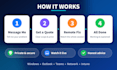
1. Message me before ordering
2. I confirm scope and price
3. We connect remotely and you watch the whole session
4. I fix it and confirm it works
Note: Remote sessions use UltraViewer (Windows) or RustDesk (Mac/Linux). You can end the session at any time.
I never need your personal passwords. If I can't fix it, I'll tell you honestly.

Device:
Desktop
•
Laptop
•
Mobile
Operating system:
Windows
•
Linux
•
IOS
•
Android
Is remote access safe?
Yes. You watch the whole session and can end it at any time. I never need your personal passwords.
Can you do a full fresh Windows install remotely?
A fresh install needs the PC to restart, which disconnects remote tools. I guide you step by step on a live call, then reconnect to finish the setup. A repair reinstall that keeps your files can be done fully remotely.
Do you need my admin password for business work?
No. A temporary limited admin account is enough, and you can remove it when I'm done.
What if you can't fix my problem?
I'll tell you honestly. Message me before ordering and I'll confirm whether I can help.
Which remote tool do you use?
For Windows I use UltraViewer, and for Mac or Linux I use RustDesk. Both are free and secure. You watch the whole session and can end it at any time.
Do you need my admin password?
No. If Windows asks for permission or an admin password during the session, you enter it yourself. I never see or need your password.