Browse categories
Explore
Fiverr Pro
English
$
USD
Hybrid Cloud, Network and Network Security Engineer, Cisco, AWS, VMware, Linux
Level 2
Has met high performance criteria and has a proven track record for meeting client expectations.
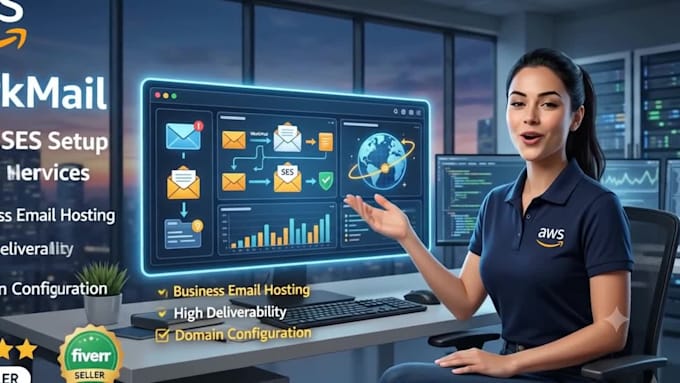
Need reliable email hosting or transactional email delivery on AWS? I set up AWS SES and AWS WorkMail so your domain sends and receives email securely and professionally.
Whether you need AWS SES for transactional emails (order confirmations, password resets, notifications) or AWS WorkMail for a full business inbox, I configure everything correctly the first time. Proper AWS SES setup avoids spam folders and AWS WorkMail gives your team professional
Why proper AWS SES/WorkMail setup matters:
Misconfigured DNS records are the top reason AWS SES emails land in spam. I configure DKIM, SPF, and DMARC correctly so your AWS SES or AWS WorkMail email reaches the inbox, not spam.
What sets me apart:
Clean, documented AWS email setup
Fast delivery, tested before
Message me with your domain.


Cloud provider:
Amazon Web Services
Expertise:
Installation
•
Backup
•
Migration
•
Development
•
Configuration
What's the difference between SES and WorkMail?
AWS SES is for sending automated emails from your app (receipts, alerts). AWS WorkMail is a full email inbox like Gmail/Outlook, for your team to send and receive email.
Will my emails land in spam?
Not if configured correctly. I set up DKIM, SPF, and DMARC records properly, which is the main factor in email deliverability.
Can I use my existing domain?
Yes you just need access to your domain's DNS settings (e.g., GoDaddy, Namecheap, Route 53) to add the required records.