Browse categories
Explore
Fiverr Pro
English
$
USD
Professional Remote IT Support Specialist, Windows, Outlook, Virus, Email
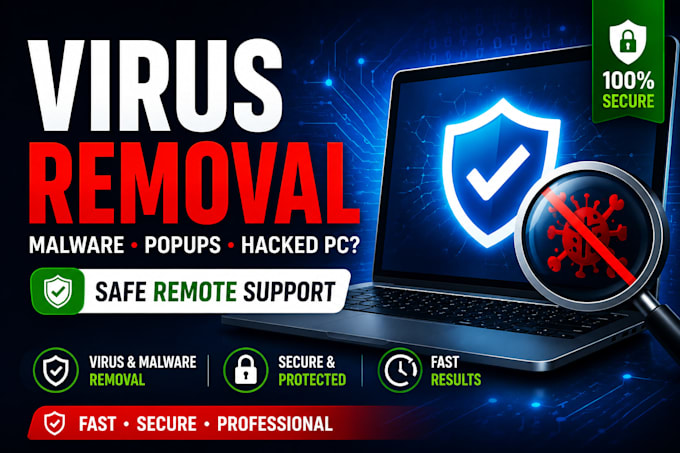
If your PC is infected with viruses, malware, popups, or suspicious activity, I'll professionally remove all threats, clean your system, and secure your device remotely.
As a Professional IT Support Specialist, I provide fast, safe, and secure malware removal with clear communication and reliable results.
I fix infections, popups, browser hijackers, unwanted programs, slow performance, security warnings, and hacked PC symptoms. After cleaning your system, I optimise performance and apply essential security checks to keep your device stable and protected.
If your infection is affecting Outlook, Gmail, Microsoft 365, or email deliverability, I also provide expert email repair and domain level fixes.
For business devices, I offer full Business IT Support including Workspace/365, security hardening, and account recovery.
For longterm protection, I offer a Monthly IT Protection Plan covering DNS monitoring, SPF/DKIM/DMARC, security checks, and priority support through my retainer system.
Why choose me:
Professional IT support, secure remote sessions, fast delivery, expert malware removal, and long term stability options.


Device:
Desktop
•
Laptop
•
Server
•
Mobile
•
Tablet
Operating system:
Windows
•
Android
How do you connect to my computer?
I use secure remote tools such as AnyDesk or TeamViewer. You stay in full control.
Is the remote session safe?
Yes. You will see everything I do, and you can disconnect at any moment.
What do I need before the session?
A Windows computer, internet connection, and remote software (I’ll guide you).
What if you cannot fix my issue?
No fix = No payment. I will refund you if the problem cannot be resolved.
Do you work with both Windows 10 and 11?
Yes, I work with all modern Windows versions
Will my files or apps be affected?
No. Nothing is deleted or changed unless you request it.
Do I need to share my passwords?
No. You will always enter passwords yourself.