Browse categories
Explore
Fiverr Pro
English
$
USD
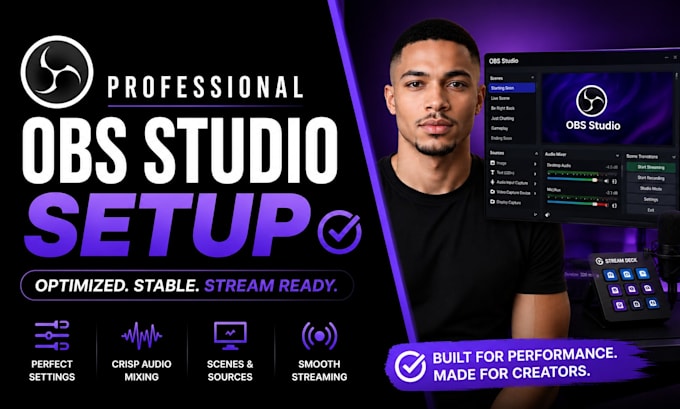
Professional Streaming Setup and Automation Expert
Are you struggling to set up OBS Studio, Streamlabs, or StreamElements for a professional live stream?
You've come to the right place.
I specialize in creating high-quality streaming setups for Twitch, YouTube, Kick, TikTok Live, and other streaming platforms. Whether you're a new streamer or an experienced content creator, I can help you build a smooth, professional, and reliable streaming experience.
My services include:
Why choose me?
My goal is to ensure your stream looks professional, runs smoothly, and is ready to impress your audience.
Please contact me before placing an order so I can understand your requirements and recommend the best package for your project.

Software:
OBS Studio
Platform:
•
Twitch
•
YouTube
•
Mixer
•
Kick
Purpose:
Gaming
•
Music
•
Lifestyle
•
Business
•
News
•
Streamshare
•
Webinar
1. What do you need from me to get started?
Simply send your streaming platform (Twitch, YouTube, Kick, TikTok, Whatnot, etc.), remote access details if required, and let me know your goals. If you already have OBS or Streamlabs installed, that's even better, but I can help from scratch too.
2. Can you fix OBS issues as well as set it up?
Yes. Whether you're experiencing dropped frames, audio sync problems, black screens, lag, or encoder errors, I'll diagnose and resolve the issue while optimizing your setup for reliable streaming and recording.
3. How long does the setup take?
Most standard setups are completed within the stated delivery time. More advanced projects involving multiple platforms, custom scenes, or stream optimization may require additional time, but you'll receive regular progress updates throughout.
4. Will my stream be optimized for the best quality?
Absolutely. Your OBS settings will be configured based on your PC specifications, internet speed, and streaming platform to achieve smooth performance, clear audio, and excellent video quality.
5. Can you set up Streamlabs, overlays, alerts, or multiple platforms?
Yes. I can configure Streamlabs, custom overlays, alerts, scenes, audio routing, and multi-platform streaming to create a complete professional streaming setup.
6. What if I need changes after delivery?
Revisions are included according to your selected package. If you need additional adjustments or future updates, I'm happy to provide ongoing support to keep your streaming setup performing at its best.
7. I'm new to streaming. Can you help me understand everything?
Of course. I'll ensure your setup is easy to use and explain the essentials so you can stream confidently without worrying about technical issues.
