Browse categories
English
$
USD
Connect to your AI
Professional OBS Systems Built For Reliable Streaming
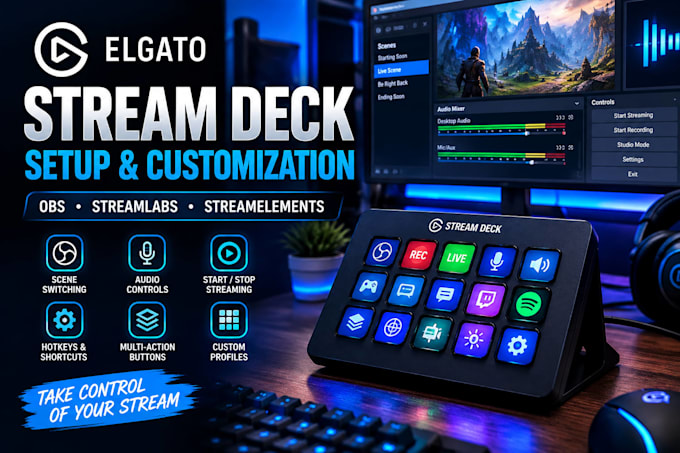
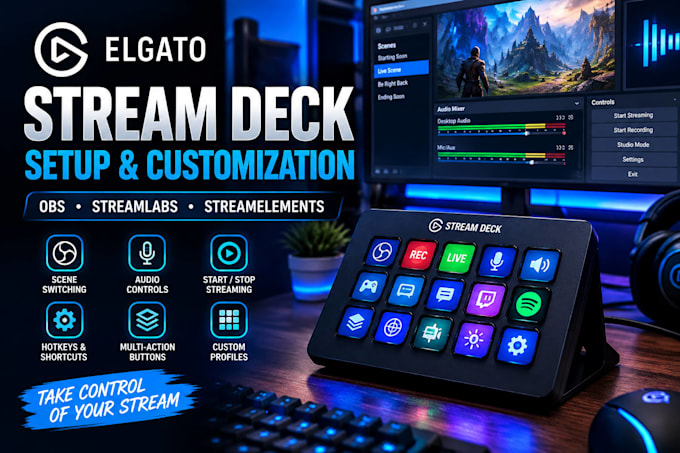
Need help setting up and customizing your Elgato Stream Deck for professional streaming?
I will setup and customize your Stream Deck for OBS Studio, Streamlabs, and StreamElements, turning it into a powerful control center for your livestream.
I can configure:
Whether you're a gamer, streamer, content creator, podcaster, or live broadcaster, I'll create a clean and easy-to-use Stream Deck setup tailored to your workflow.
My goal is to make your streaming setup faster, simpler, and more professional, so you can control important actions with a single button.
Why choose me?
Ready to transform your Stream Deck into a professional streaming control center? Contact me before ordering.

Software:
OBS Studio
Platform:
•
Twitch
•
YouTube
•
Mixer
•
Kick
•
Other
Purpose:
Gaming
•
Music
•
Lifestyle
•
Business
•
News
•
Streamshare
•
Webinar
1. Can you set up my Elgato Stream Deck for OBS Studio?
Yes. I can configure your Stream Deck for OBS scene switching, streaming, recording, audio controls, source visibility, hotkeys, and other essential functions.
2. Can you create custom Stream Deck macros and multi-actions?
Yes. I can create custom macros and multi-actions that trigger multiple commands with one button, helping make your streaming workflow faster and easier.
3. Can you connect Stream Deck with Streamlabs or StreamElements?
Yes. I can configure Stream Deck actions with Streamlabs and StreamElements for alerts, commands, scenes, and other supported streaming functions.
4. Can you create multiple Stream Deck profiles?
Yes. I can organize multiple profiles, folders, and pages for different games, applications, scenes, or streaming workflows.
5. What do you need from me to start?
I need details about your Stream Deck model, streaming software, and the controls you want. I may also need remote access if configuration requires working directly on your computer.