Browse categories
Explore
Fiverr Pro
English
$
USD
professional camera in OBS?
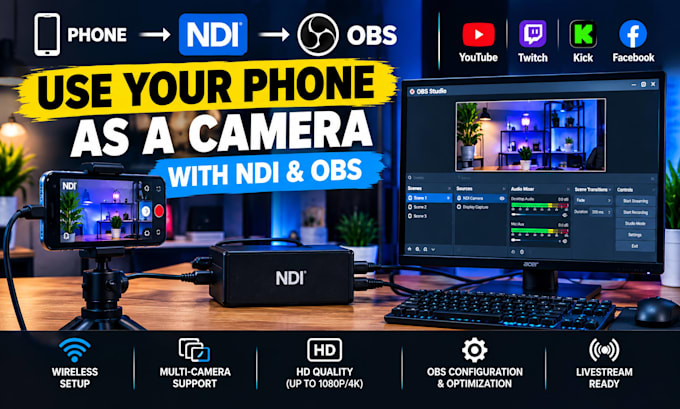
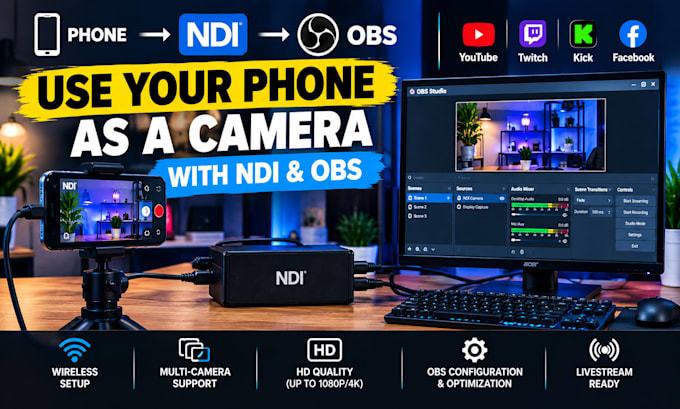
I will set up your phone as an NDI camera source and connect it to OBS Studio for livestreaming, recording, interviews, gaming, podcasts, church services, and content creation.
What I can set up:
Phone camera to OBS
NDI camera configuration
Wireless camera connection
OBS camera sources
Camera resolution and FPS
Portrait or landscape camera setup
Microphone and camera audio
Multiple NDI cameras
Camera scene switching
YouTube, Twitch, Kick and Facebook setup
Video quality optimization
Final testing and troubleshooting
This is ideal if you want to turn your smartphone into an additional camera without purchasing another web


Software:
OBS Studio
Platform:
•
Twitch
•
YouTube
•
Mixer
•
GosuGamers
•
Kick
Purpose:
Gaming
•
Music
•
Lifestyle
•
Business
•
News
•
Streamshare
•
Webinar
Can you connect my phone camera to OBS?
Yes. I can configure your phone as an NDI camera source in OBS.
Can I use my phone wirelessly?
Yes, when your phone and computer/network support the required NDI workflow.
Can you set up multiple phones?
Yes. Multiple NDI camera sources are available with the Premium package.
Can I use my phone for YouTube or Twitch streaming?
Yes. I can configure the phone camera inside OBS for your chosen streaming platform.
Can you improve the camera quality?
Yes. I can configure supported resolution, FPS and OBS video settings.
Can you set up phone audio too?
Yes. I can help configure compatible phone or computer audio sources.
Do you support iPhone and Android?
Yes, provided the appropriate NDI-compatible camera application is available for your device.
Do you need my account password?
No. Never send passwords or private login information.