Browse categories
Explore
Fiverr Pro
English
$
USD
Livestream Production and Broadcast Tech Expert
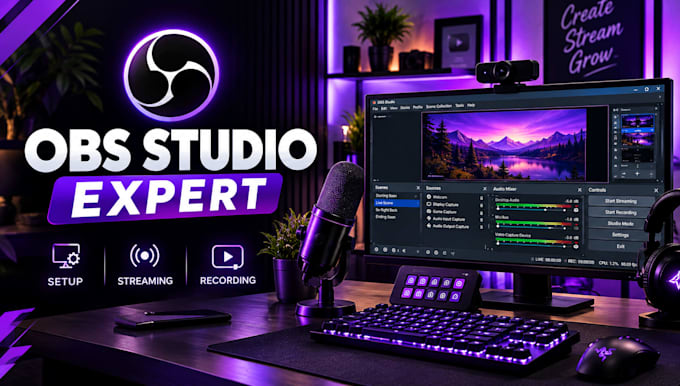
Is your OBS Studio setup confusing, or are you struggling with Whatnot or Dual PC streaming? I'll help you configure OBS for a clean, organized, and reliable streaming experience.
Whether you stream trading cards, host live auctions, game on two PCs, or create online content, I'll tailor the setup to your needs.
WHAT I OFFER:
WHY CHOOSE ME?
I focus on clear communication, organized scenes, practical solutions, and reliable configurations. I'll work with your existing equipment and explain key settings so you can manage your stream confidently.
BEFORE ORDERING: Please message me with your streaming platform, PC specifications, and equipment details. This helps me understand your needs and recommend the right package.
Let's get your OBS Studio setup ready for streaming!
Software:
OBS Studio
Platform:
•
Twitch
•
YouTube
•
Mixer
•
Kick
Purpose:
Gaming
•
Music
•
Lifestyle
•
Business
•
News
•
Streamshare
•
Webinar
Can you set up OBS Studio for Whatnot?
Yes. I can configure your OBS scenes, vertical layout, compatible camera and microphone sources, overlays, and essential streaming settings. Whatnot account access and platform-specific requirements may affect the setup.
Can you connect my gaming PC to my streaming PC?
Yes. I can help configure a compatible capture card or NDI connection, video sources, audio routing, and OBS settings. Please provide both PC specifications and your available equipment before ordering.
Do I need a capture card for Dual PC streaming?
Not always. A compatible NDI network setup can transfer video between PCs, while a capture card is another common option. The best choice depends on your hardware, network, and streaming needs.
Do I need to buy any equipment?
Not necessarily. I will first review the equipment you already have. If your setup needs additional hardware or software, I will explain what is required before proceeding.
Can you fix my OBS audio or video problems?
Yes. I can troubleshoot common issues involving microphone audio, missing sources, capture cards, audio synchronization, resolution, and streaming performance. Please describe the problem before placing your order.
Can you work with my existing OBS setup?
Yes. I can help improve your existing scenes, sources, audio routing, and output settings instead of starting from scratch. Please send a description or screenshot of your current setup.
Will you test the setup before delivery?
Yes. I will check the configured sources, audio, scenes, and relevant output settings. A live test on Whatnot or another platform depends on the access, equipment, and test environment available.
