Browse categories
Explore
Fiverr Pro
English
$
USD
Streaming Setup Specialist OBS, TikTok Live and Streamlabs Expert
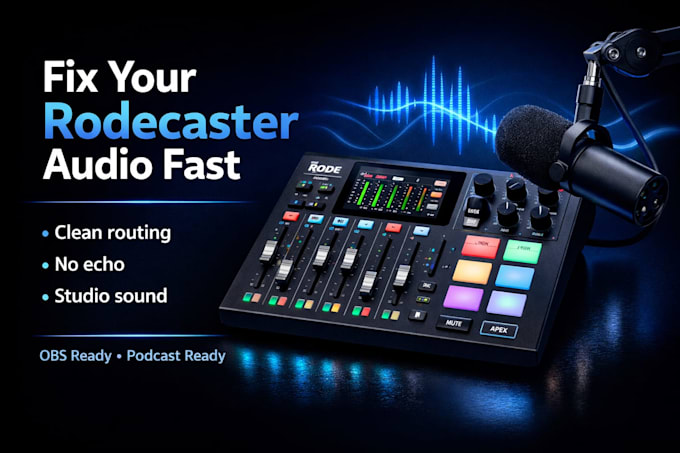
Audio issues, echo, or poor routing ruining your Rodecaster setup?
Bad sound kills your stream or podcast instantly.
Get a clean, fully optimized Rodecaster Pro II or Duo setup with proper audio routing, OBS integration, and balanced microphone output. Perfect for streamers, podcasters, and creators who want studio-quality sound on Twitch or YouTube without technical stress.
From setup to troubleshooting, everything is configured for clarity, stability, and smooth performance, helping improve audio quality and audience retention.
What you get:
Expect cleaner sound, smoother performance, and a setup that works every time.
Ready for studio-quality audio? Lets set it up properly.

Software:
OBS Studio
Platform:
•
Twitch
•
YouTube
•
Kick
Purpose:
Gaming
•
Music
•
Lifestyle
•
Business
•
News
•
Streamshare
•
Webinar
What do you need to set up my Rodecaster properly?
Access via remote software, your Rodecaster model (Pro II or Duo), microphone, and your goals (streaming, podcasting, recording). Clear details help deliver a faster, cleaner setup.
Can you fix audio issues like echo, distortion, or bad routing?
Yes. Common problems like echo, low volume, distortion, and incorrect routing are fully diagnosed and fixed for clean, professional sound.
Will this work with OBS or my streaming setup?
Yes. Your Rodecaster will be fully integrated with OBS, Streamlabs, or other platforms for smooth streaming and stable performance.
Can you handle advanced setups like dual PC or multiple audio sources?
Yes. Complex setups including dual PC streaming, multiple microphones, and advanced routing are available in higher packages.
Can you also help with full stream setup or overlays?
Yes. OBS setup, overlays, and full stream optimization can be included to improve both audio and visual quality.
