Browse categories
Explore
Fiverr Pro
English
$
USD
OBS Studio and Dual PC Streaming Expert
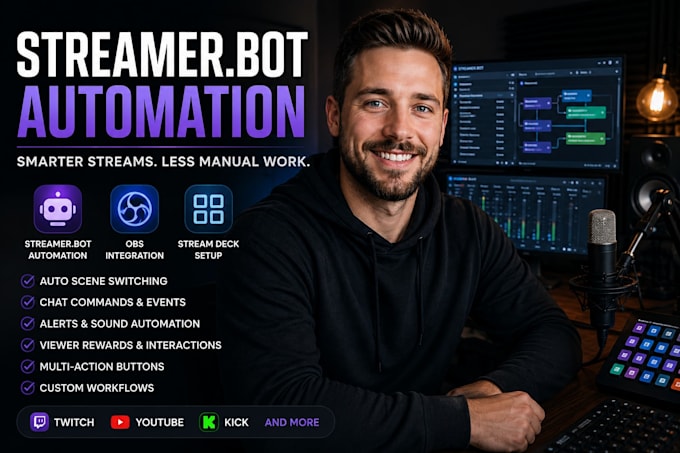
Want to automate your livestream and create a professional streaming workflow? I will set up and optimize Streamer.bot with OBS Studio to automate repetitive tasks, improve production quality, and make your stream more engaging.
Whether you're a Twitch streamer, YouTube creator, Kick streamer, VTuber, or content creator, I'll build custom automation tailored to your streaming style and goals.
My services include:
Every setup is customized to your hardware, streaming platform, and workflow to ensure reliable performance and easy management.
If you're looking for a professional Streamer.bot automation expert to simplify your livestream and enhance viewer engagement, you've come to the right place.
Please contact me before placing your order so we can discuss your requirements and choose the best package for your project.

Software:
OBS Studio
Platform:
•
Twitch
•
YouTube
•
Mixer
•
Kick
Purpose:
Gaming
•
Music
•
Lifestyle
•
Business
•
News
•
Streamshare
•
Webinar
1. What is Streamer.bot and what can it automate?
Streamer.bot is a powerful automation tool for livestreaming. It can automate OBS scene switching, chat commands, alerts, Stream Deck actions, channel point rewards, sound effects, media playback, and many other tasks to make your stream more interactive and professional.
2. Can you integrate Streamer.bot with OBS Studio and Stream Deck?
Yes. I can integrate Streamer.bot with OBS Studio, Elgato Stream Deck, Twitch, YouTube, and other supported tools to create a seamless and reliable streaming workflow.
3. Can you create custom Streamer.bot actions and workflows?
Absolutely. Every setup is customized to your streaming style. I can build custom actions, event triggers, chat commands, automatic scene switching, viewer rewards, and multi-action workflows based on your requirements.
4. Do you fix existing Streamer.bot or OBS automation issues?
Yes. If your Streamer.bot actions, OBS integration, or Stream Deck automation aren't working correctly, I'll troubleshoot the issue, identify the cause, and optimize your setup for reliable performance.
5. Which streaming platforms do you support?
I support Twitch, YouTube Live, Kick, Facebook Live, TikTok Live (where compatible), and other streaming platforms that work with OBS Studio and Streamer.bot.
6. Do I need Streamer.bot installed before ordering?
No. If needed, I'll install and configure Streamer.bot, connect it with OBS Studio and your streaming tools, and ensure everything is tested before delivery.
7. Will my audio sound professional after this?
Yes. Your setup will deliver clean, balanced, broadcast-quality sound for streaming, gaming, and content creation.
8. Do you provide remote setup and support?
Yes. I can remotely install, configure, optimize, and test your Streamer.bot setup with your permission. I'll make sure everything works correctly and provide guidance on using your new automation system.
