Browse categories
English
$
USD
Connect to your AI
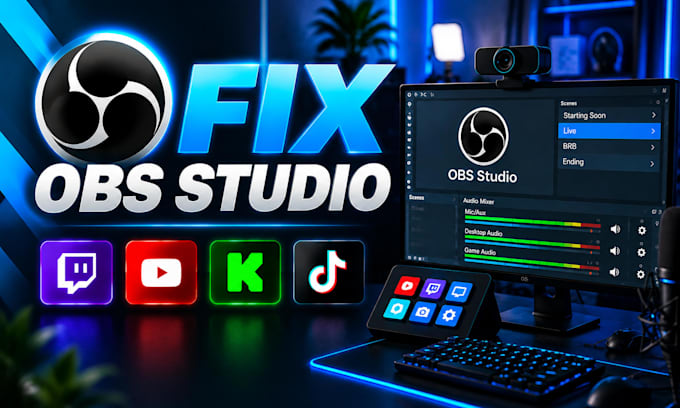
Smooth Streams Clear Audio Professional Results
Having OBS Studio problems affecting your livestream quality?
Lag, dropped frames, audio delays, encoder issues, and incorrect settings can make your stream look unprofessional and frustrating for viewers.
I help streamers troubleshoot and optimize OBS Studio so their setup runs smoother and more reliably.
I CAN HELP FIX:
Whether you are a new streamer or already have an existing setup, I will review your configuration, identify the problem, and apply the correct solution based on your hardware and streaming goals.
Your setup will be tested after adjustments to make sure everything works correctly before you go live.
Why choose me:
Contact me before ordering so we can review your OBS issue and requirements.
Software:
OBS Studio
Purpose:
Gaming
•
Music
•
Lifestyle
•
Business
•
News
•
Streamshare
•
Webinar
1. What OBS problems can you fix?
I can help with common OBS issues including lag, dropped frames, audio problems, encoder settings, capture card issues, missing sources, performance problems, and incorrect configurations affecting your stream.
2. Can you fix OBS audio problems?
Yes. I can troubleshoot microphone, desktop audio, game audio, Discord audio, music routing, sync issues, and other OBS audio problems depending on your hardware and workflow.
3. Can you optimize OBS for Twitch, YouTube, and Kick?
Yes. I can adjust OBS settings based on your platform, PC specifications, internet connection, resolution, FPS requirements, and streaming goals.
4. Can you fix capture card and camera issues?
Yes. I can help troubleshoot cameras, webcams, capture cards, sources, and video settings to make sure your equipment works correctly with OBS.
5. Do you need remote access to fix OBS?
Remote access is recommended for faster troubleshooting, but I can also provide guidance if you prefer to make changes yourself.
6. Can you help if my stream is already working but quality is poor?
Yes. I can review your current setup and optimize settings to improve stability, quality, and overall streaming performance.
7. What information do you need before starting?
Please provide your PC specifications, streaming platform, OBS settings, hardware details, and a description of the issue you are experiencing.
