Browse categories
Explore
Fiverr Pro
English
$
USD
Remote IT Support, Computer Tech Support, IT Helpdesk
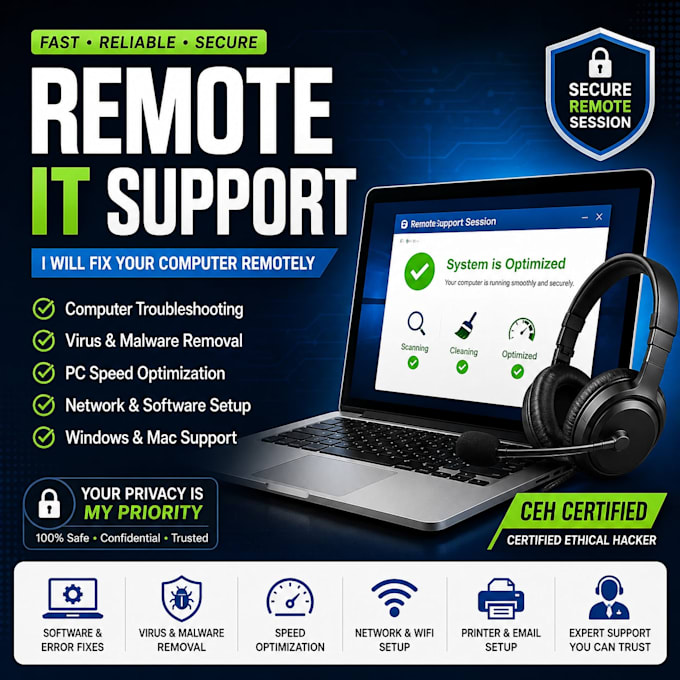
Computer issues slowing you down? With a strong background in Computer Science and Technology, I provide fast, reliable remote IT support to get your systems running smoothly again without you ever having to leave your desk. I connect securely to your PC to diagnose and fix the issue right in front of your eyes.
Expertise Includes:
Note: I use secure remote desktop software (like TeamViewer or AnyDesk). Please message me with your specific issue before placing an order!

Device:
Desktop
•
Laptop
•
Server
•
Router
•
Printer
Operating system:
Windows
•
Linux
•
Unix
•
Android
•
Ubuntu
What remote access tool do you use, and is it safe?
I use trusted tools like AnyDesk or TeamViewer. You see everything on your screen in real time and can end the session anytime. Nothing stays installed unless you ask me to keep it for future sessions.
Is my personal data safe during the session?
Yes. As a Certified Ethical Hacker (CEH), I follow strict privacy practices, nothing is copied, stored, or shared. I only access what's needed to fix your issue, with you watching the whole time.
Which operating systems do you support?
All versions of Windows and macOS. I also have Linux experience if that's relevant to your setup, just mention it in a message before ordering.
What if the issue can't be fixed remotely?
I'll tell you honestly during diagnosis. If it needs a physical hardware repair, I'll explain exactly what's wrong and what to do next, so you're not paying for something I can't deliver.
Do you offer ongoing or monthly IT support?
Yes, message me to set up a custom recurring support plan for your home or small business, so you always have help on call.
Do I need to be at my computer during the session?
Yes, since this is a live remote screen-share session. I'll walk you through connecting step by step, even if you're not very tech-savvy.
What if I'm not satisfied with the fix?
Let me know right away. Revisions are included within the session scope, and if something genuinely can't be resolved, we'll work out a fair resolution together.
