Browse categories
English
$
USD
Connect to your AI
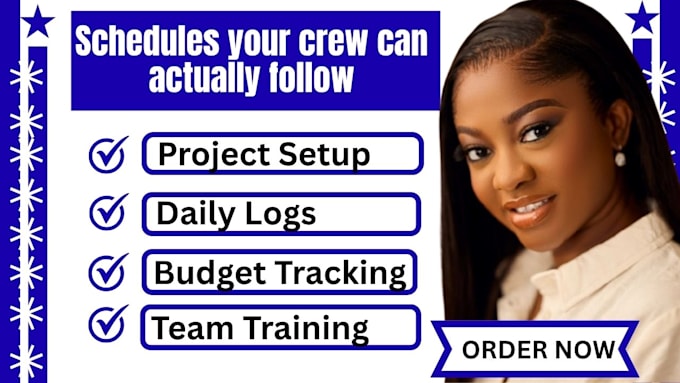
Helped contractors move job schedules, field updates, and purchasing out of texts and spreadsheets in under two weeks. I set up JobTread project management with scheduling, daily logs, budgets, and purchase orders, so your office and field team work from the same plan.
You get templates built for your job types, budgets that track against actuals, and a purchasing flow your crew can follow.
Here's what my service includes:
Platforms I work with: JobTread · QuickBooks Online · Xero · CompanyCam · Bluebeam Revu · STACK · Buildertrend · Procore · CoConstruct · Jobber · Houzz Pro · Microsoft Project · Smartsheet · Zapier · n8n · Airtable · Google Workspace · Microsoft 365 · Google Calendar · Slack · DocuSign · Stripe · Gusto · Calendly · Google Sheets
SELECT A PACKAGE TO START IMMEDIATELY OR MESSAGE ME FOR A CUSTOM QUOTE.



Software:
JobTread
Can you build schedule templates for different job types?
Yes. I create templates for your common jobs, such as remodels, additions, and new builds, with tasks, durations, and dependencies, so you start each project from a proven plan.
How do daily logs work for my crew?
I set up a simple log format your field team can fill in from a phone, with fields for work done, weather, crew, and photos. I also show your crew leads how to use it, since consistent use is what makes logs valuable.
How do budgets and purchase orders connect?
Budgets come from your approved estimates, and purchase orders and vendor bills post against them, so you see budget versus actual as costs come in. I confirm how this works in your JobTread plan before building.
Can subcontractors and vendors use it?
Yes. I set up access for subs and vendors with limited permissions, so they see only what they need, such as their tasks, schedules, and POs.
How long does setup take?
Basic takes 2-3 days. Standard takes 4-7 days. Premium takes 8-14 days, depending on how many job types and workflows you need. Your accountant should review anything that affects job costing or your QuickBooks mapping.