Browse categories
English
$
USD
Connect to your AI

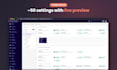
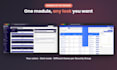
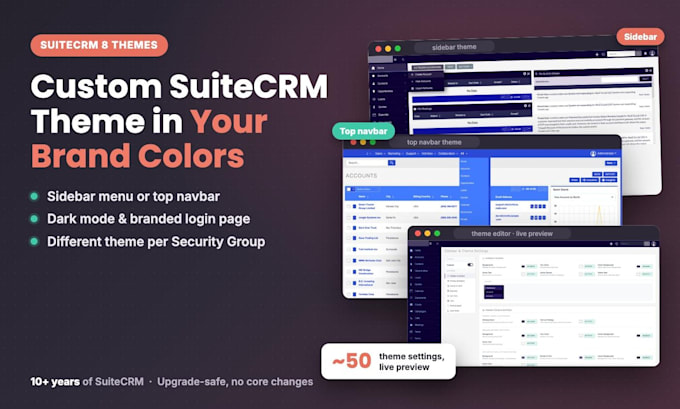
Want SuiteCRM 8 to look like your brand, not like every other CRM?
I'm Nhat, a SuiteCRM developer with 10+ years of experience and the publisher of 40+ plugins on the official SuiteCRM Store. I build custom SuiteCRM 8 themes on my own theme module, so you get a polished, upgrade-safe result fast.
WHAT YOU GET
WHY THIS GIG
Works with SuiteCRM 8.0 to 8.10. SuiteCRM 7 is not supported in this gig.
Message me with your SuiteCRM version and brand colors (or a logo), and I'll suggest the right package.
SuiteCRM 8 and 7 Developer, Publisher of 40 SuiteCRM Plugins
Languages
Does this work with SuiteCRM 7?
No. This gig is for SuiteCRM 8.0 to 8.10 only. For SuiteCRM 7, message me for a custom quote.
Can my team change the theme later?
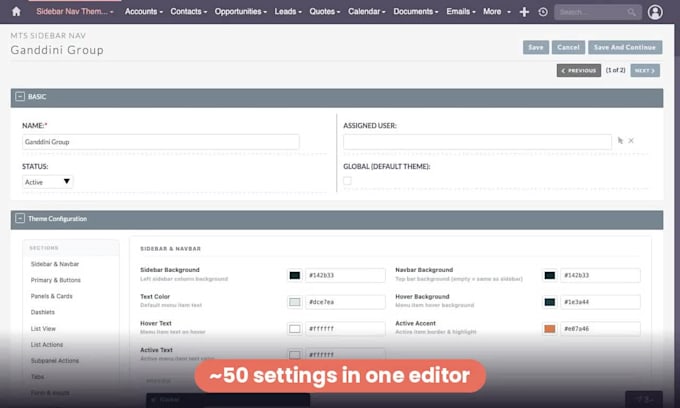
Yes. Themes are records in the admin panel with a live preview, so your admins can edit colors or clone a theme without code.
What does "dynamic by Security Group" mean?
Each Security Group can have its own theme. Users see the theme of their primary group, and everyone else sees the global theme.
Will a SuiteCRM upgrade break the theme?
No core files are changed. The theme module supports SuiteCRM 8.0 to 8.10.
Can I switch between sidebar menu and top navbar?
Yes, it is a per-theme setting.