Browse categories
Explore
Fiverr Pro
English
$
USD
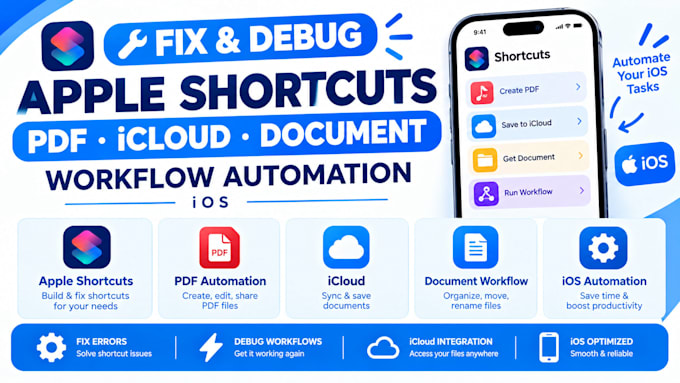
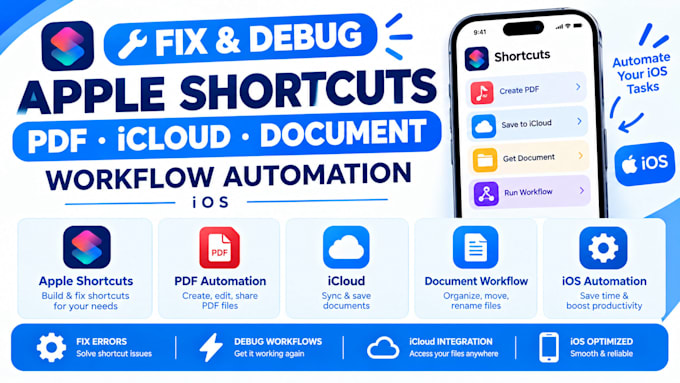
Fixed Shortcuts that failed for months by finding the one broken step behind the error. I fix and debug Apple Shortcuts, including PDF, iCloud, and document workflow automation on iOS, so your Shortcuts run reliably again.
You get the cause explained, the Shortcut working on your iOS version, and notes so the same problem doesn't come back.
Here's what my service includes:
Platforms I work with: Apple Shortcuts · Siri · iPhone · iPad · Mac · iCloud Drive · Files · Notes · Photos · Mail · Messages · Calendar · Reminders · Safari · Share Sheet · Google Drive · Dropbox · OneDrive · Notion · Google Sheets · Zapier · Make · Pushcut · PDF · Scanner Apps
SELECT A PACKAGE TO START IMMEDIATELY OR MESSAGE ME FOR A CUSTOM QUOTE.
Device:
Desktop
•
Laptop
•
Server
•
Mobile
•
Tablet
Operating system:
Windows
•
IOS
•
Android
•
OSX
•
SAP
What kinds of Shortcut problems can you fix?
Shortcuts that stop partway, return errors, can't find files or folders, ignore their triggers, or stopped working after an iOS update. Send a screenshot or the Shortcut itself and I'll tell you if it's fixable before you order.
Why does my PDF or iCloud Shortcut keep failing?
Common causes are changed folder paths, missing file permissions, files that haven't downloaded from iCloud yet, and actions that behave differently after an iOS update. I trace which one applies and fix it.
Can you fix automations that don't run on their own?
Often yes, but some automations require your confirmation to run because of Apple's rules, and I can't change that. I'll tell you which behavior is a limit and which is a bug, so you aren't expecting something iOS won't allow.
What do you need from me?
The Shortcut (an iCloud link or screenshots), a description of what it should do, the error you see, and your iOS version and device. I don't need access to your phone or accounts. Shortcuts that handle sensitive documents can be tested with dummy files.
How long does it take, and what if the fix doesn't hold?
Basic ships in 1-2 days. Standard takes 2-4 days. Premium takes 4-8 days. If the same problem returns during the package period, revisions cover it, and Premium includes 30 days of support. A new iOS update can change behavior afterward, so a later fix may be a new order.