Browse categories
Explore
Fiverr Pro
English
$
USD
Apple Shortcuts built fixed and wired into AI APIs
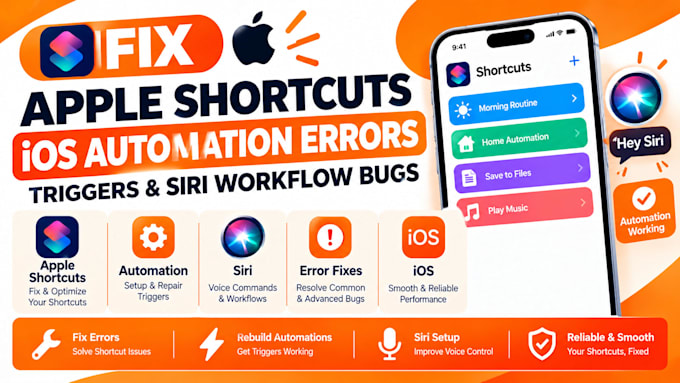
Got automations running again that hadn't triggered since an iOS update. I fix Apple Shortcuts iOS automation errors, including triggers and Siri workflow bugs, so your Shortcuts run when and how they should.
You get the cause explained, the automation working on your iOS version, and notes to help it keep working.
Here's what my service includes:
Platforms I work with: Apple Shortcuts · Siri · iPhone · iPad · Mac · Apple Watch · iCloud · Focus Modes · Action Button · Control Center · Lock Screen Widgets · Home Screen Widgets · NFC Tags · CarPlay · HomeKit · Reminders · Calendar · Messages · Mail · Notes · Files · Health · Notion · Pushcut · Zapier
SELECT A PACKAGE TO START IMMEDIATELY OR MESSAGE ME FOR A CUSTOM QUOTE.


Device:
Desktop
•
Laptop
•
Server
•
Mobile
•
Router
Operating system:
Windows
•
Unix
•
IOS
•
Android
•
SAP
Why does my automation not run on its own?
Common causes include the "Ask Before Running" setting, Low Power Mode, missing permissions, a Focus or location condition that never fires, or an iOS update that changed behavior. I trace which applies and fix what can be fixed.
Why won't Siri run my Shortcut?
Often the phrase clashes with another command or app, the Shortcut name is hard to recognize, or a step needs permission or the phone unlocked. I test different phrases and fix the Shortcut's steps, though Siri's recognition itself isn't something I can change.
Can you make every automation run silently in the background?
Not always. Apple requires confirmation for some automations and actions, and that's an iOS rule, not a bug. I'll tell you which behavior is a limit and which is fixable, so you know before you order. These rules change between iOS versions, so I check against yours.
What do you need from me?
The Shortcut (an iCloud link or screenshots), what it should do, what actually happens, any error message, and your iOS version and device. I don't need access to your phone or accounts. For sensitive Shortcuts, I can test with dummy data.
How long does it take, and what if it breaks again?
Basic ships in 1-2 days. Standard takes 2-4 days. Premium takes 4-8 days. If the same issue returns during the package period, revisions cover it, and Premium includes 30 days of support. A later iOS update can change behavior again, so a fix after that may be a new order.