Browse categories
Explore
Fiverr Pro
English
$
USD


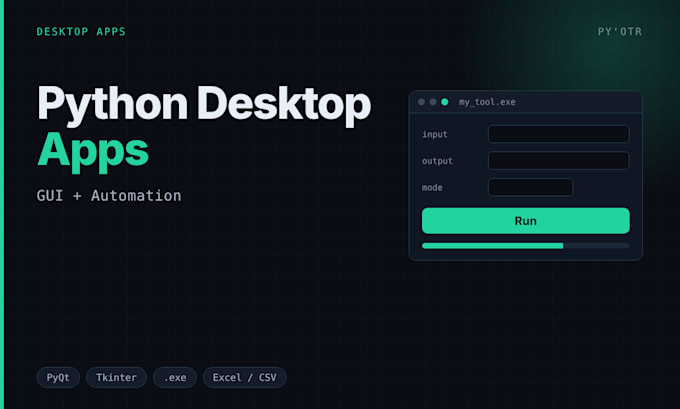
I build Python desktop apps and automation tools that non-technical people can actually use. When you need a real window instead of a command line, I build the GUI in Tkinter or PyQt and package it as a single Windows .exe your client just double-clicks, no Python install needed.
I've shipped desktop tools that download and process video, batch-edit files, and send automated emails from an Excel sheet with reply monitoring, plus scripts that drive the web, APIs and spreadsheets on a schedule. You get clean, working code with a README, and an .exe build if you want one.
Typical jobs: turn a manual task into a one-click app, add a GUI to a script you already have, read and write Excel or CSV, automate reports, or wrap a tool as an installer. I handle the errors and retries so it keeps working after I deliver.
Tell me what you do by hand right now and what you want the app or script to do, and I'll tell you the simplest way to build it and the price.
Senior Python Developer, Android Reverse Engineering, AI Agents and RAG
Languages
What do you build these with?
Python. Tkinter or PyQt for the GUI, PyInstaller to package a Windows .exe, plus openpyxl and pandas for Excel and the usual libraries for web, APIs and scheduling. I match the tools to the job.
Tkinter or PyQt, which one will you use?
Depends on the app. Tkinter is lighter and ships a smaller .exe, good for simple tools. PyQt looks more polished and handles complex, data-heavy windows better. Tell me the look you want and I'll recommend one.
Do I get a Windows .exe I can just double-click?
Yes. I package the app with PyInstaller so it runs on a PC with no Python installed. You get the .exe plus the source. I can set an app icon and a simple installer too.
Do I get the source code?
Always. Full Python source, commented, with a README on how to run and rebuild it. Nothing locked or hidden. You can change it or hand it to another dev later.
How fast will it be done?
A small script or tool is 2 to 3 days. A desktop app with a GUI and an .exe build is usually 4 to 7 days depending on features. You get a firm timeline after I see what you need.
Can it read and write Excel or CSV?
Yes. Reading spreadsheets, writing clean reports, pulling data in and out of Excel or CSV is routine. I've built tools that send emails straight from an Excel sheet and export results back to one.
Can it run on a schedule by itself?
Yes. I can set it to run daily or hourly in the background, or on a trigger, and log what it did. I include instructions to set that up on your own PC or a server.
Will it run on my PC without installing Python?
That's the point of the .exe build. It bundles everything, so you or your client just double-click and use it. Works on Windows; tell me if you also need Mac.
What if it needs changes after delivery?
Revisions are included and I test the app before sending it. If you want a tweak or hit a small bug, send it over. I'd rather fix it than leave you with something half-working.
How do we start?
Tell me the task you do by hand and what you want the app or script to do. A screenshot or a sample file helps. I'll confirm it's doable, recommend a package, and give you a timeline.