Browse categories
Explore
Fiverr Pro
English
$
USD
Email Marketing and CRM Specialist
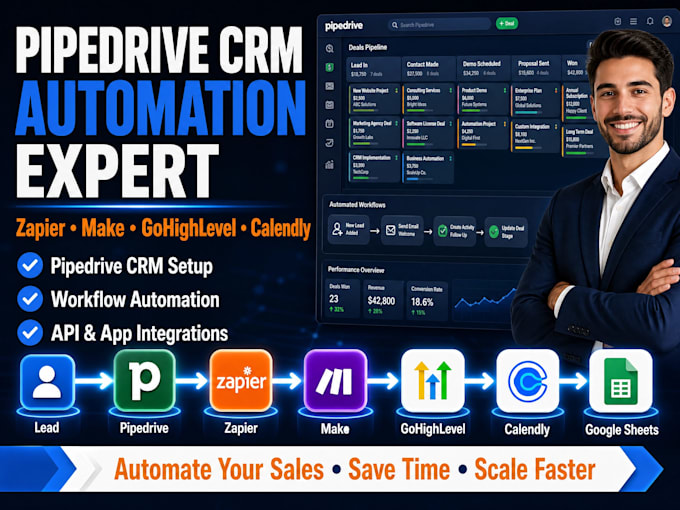
I WILL DO PIPEDRIVE CRM SETUP | ZAPIER, MAKE, GOHIGHLEVEL, CALENDLY AND GOOGLE SHEETS AUTOMATION
Hey there!
Are you still managing leads manually in 2026? That's so wrong! I help businesses automate their sales process by connecting Pipedrive CRM with Zapier, Make.com, GoHighLevel, Calendly, and Google Sheets to save time, eliminate repetitive tasks, and increase conversions.
WHAT I OFFER:
Bonus Services
Every workflow is customized to match your business process, ensuring seamless automation and better lead management.
MESSAGE ME before placing your ORDER so I can review your workflow and recommend the best automation solution for your business.


Software:
PipeDrive
Industry:
Construction
•
Real estate
•
Software
Which platforms can you integrate with Pipedrive?
I can integrate Pipedrive with Zapier, Make.com, GoHighLevel, Calendly, Google Sheets, Gmail, Slack, Stripe, QuickBooks, Xero, Facebook Lead Ads, Jotform, and many other business applications.
Can you automate my lead management process?
Yes. I can automate lead capture, deal creation, follow-up emails, task creation, appointment scheduling, notifications, and sales pipeline management.
Do you create custom Zapier and Make workflows?
Absolutely. I build custom multi-step workflows, API integrations, webhooks, filters, routers, and advanced automation tailored to your business.
Can you migrate data into Pipedrive?
Yes. I can import contacts, companies, deals, notes, activities, and custom fields from spreadsheets or other CRM platforms.
What do you need to get started?
I'll need your workflow requirements, the applications you want connected, and access to the necessary accounts or API credentials.