Browse categories
English
$
USD
Connect to your AI
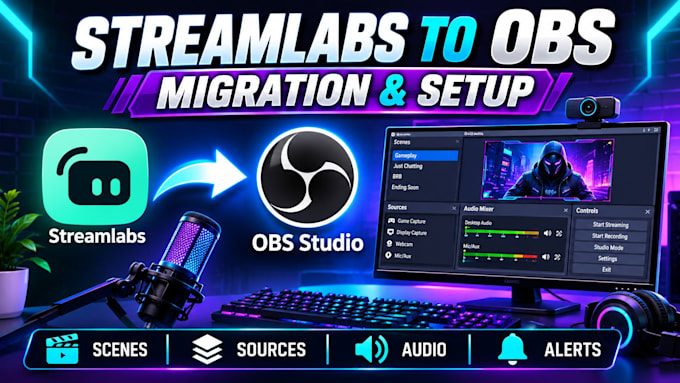
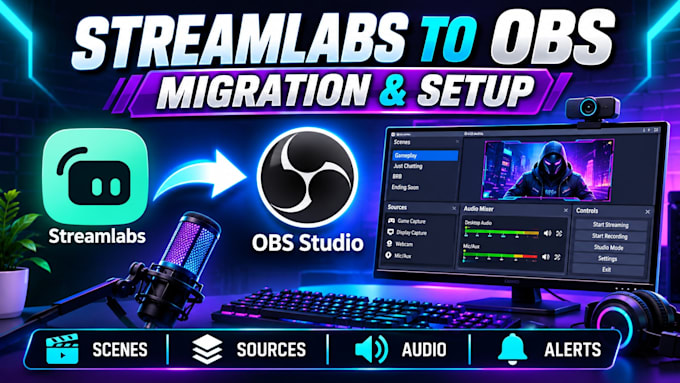
Are you ready to switch from Streamlabs Desktop to OBS Studio? I will help you migrate and configure your streaming setup for a smooth and professional streaming experience.
MY SERVICES INCLUDE:
I will help transfer your important streaming elements and configure OBS Studio to suit your needs. Whether you're a beginner or experienced streamer, I will make your transition easier and help you get your streaming setup ready.
WHY CHOOSE ME?
CONTACT ME TODAY before ordering so we can discuss your migration requirements!
Software:
OBS studio
Platform:
•
Twitch
•
YouTube
•
Kick
1. Can you migrate my Streamlabs setup to OBS Studio?
Yes! I can help transfer your scenes, sources and compatible streaming settings to OBS Studio.
2. Will my existing overlays and alerts be transferred?
Yes, I can help reinstall or configure compatible overlays, alerts and widgets.
3. Do I need OBS Studio installed before ordering?
It is helpful, but if you haven't installed it, I can guide you through the process.
4. Can you configure my microphone and webcam?
Yes! I can configure your microphone, webcam and audio sources for a smooth streaming experience
. 5. Do you support Twitch, YouTube and Kick?
Yes! I can configure OBS for streaming on Twitch, YouTube and Kick.
6. Will everything transfer automatically?
Not always. Some settings, plugins and widgets may need to be reinstalled or configured manually.
7. Can you set up my scenes and sources?
Yes! I can organize and configure your scenes, sources, transitions and overlays.
8. Can you install OBS plugins?
Yes, I can install and configure compatible OBS plugins based on your requirements.
9. Will my stream look the same after migration?
My goal is to preserve your existing layout and appearance as closely as possible.
10. What do you need to get started?
I'll need details about your current Streamlabs setup, number of scenes, OBS version and any specific requirements. Never send your passwords or stream keys in chat.