Browse categories
Explore
Fiverr Pro
English
$
USD
OBS Studio And TikTok Live Streaming Specialist
Are you struggling to set up OBS Studio, Streamlabs, or StreamElements for a professional live stream?
You've come to the right place.
I specialize in creating high-quality streaming setups for Twitch, YouTube, Kick, TikTok Live, and other streaming platforms. Whether you're a new streamer or an experienced content creator, I can help you build a smooth, professional, and reliable streaming experience.
My services include:
Why choose me?
My goal is to ensure your stream looks professional, runs smoothly, and is ready to impress your audience.
Please contact me before placing an order so I can understand your requirements and recommend the best package for your project.
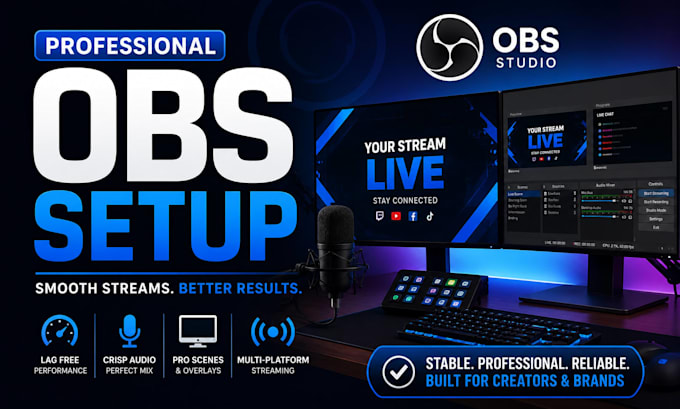

Software:
OBS Studio
Platform:
•
Twitch
•
YouTube
•
Kick
Purpose:
Gaming
•
Music
•
Lifestyle
•
Business
•
Streamshare
•
Webinar
1. What streaming software do you support?
OBS Studio, Streamlabs, StreamYard, vMix, and other popular live streaming tools.
2. Can you fix OBS audio and video issues?
Yes. Audio sync, microphone problems, dropped frames, lag, and stream quality issues can be resolved.
3. Do I need OBS installed before ordering?
Yes. Please have OBS installed and provide remote access if setup assistance is required.
4. Can you set up streams for YouTube, Twitch, and Facebook?
Yes. Multi-platform streaming and platform-specific optimization are available.
5. Will you configure scenes and sources?
Yes. Scenes, sources, transitions, cameras, audio devices, and screen captures can be configured.
6. Can you add overlays, alerts, and widgets?
Yes. Custom overlays, alerts, chat widgets, and branding elements can be integrated into OBS.
7. Do you help with stream performance optimization?
Yes. OBS settings are optimized for smoother streaming, better quality, and reduced CPU usage.
8. Can you help with church, webinar, or podcast streams?
Yes. OBS can be configured for church broadcasts, webinars, podcasts, virtual events, and live shows.
