Browse categories
Explore
Fiverr Pro
English
$
USD
AI Evaluation Specialist QA Automation Trainee
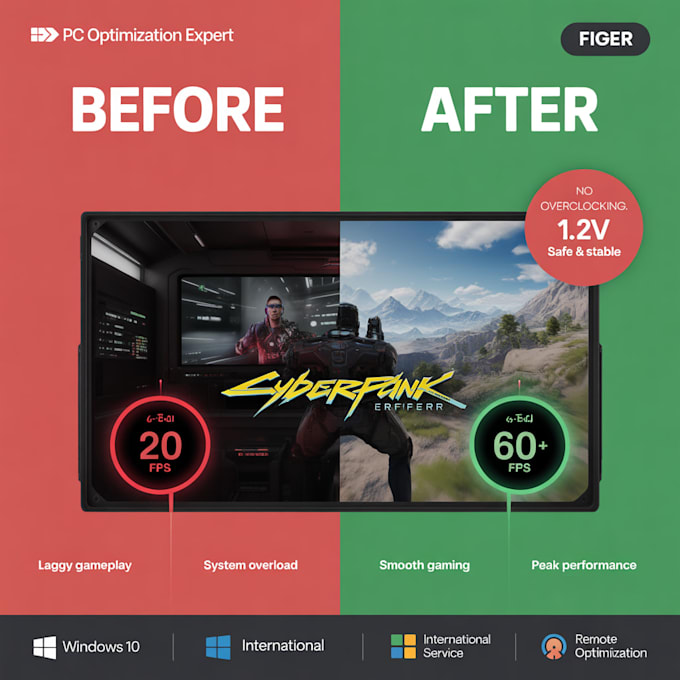
STOP THE LAG! Your hardware is capable of more.
Experiencing stuttering or low FPS? Before spending on new parts, your OS needs a professional tune-up. I am a Hardware & Software Technician focused on efficiency and system safety. I never perform risky overclocking.
What I offer:
Why choose me?
I focus on real results you can actually feel. Please message me before ordering to discuss your PC specs!

Device:
Desktop
•
Laptop
Operating system:
Windows
Is this safe for my hardware?
Yes, 100%. I focus exclusively on software efficiency and OS optimization. I never touch voltages or hardware frequencies (No Overclocking). Your components will stay within factory safety limits.
How is the service performed?
I use secure remote desktop software like AnyDesk or TeamViewer. You can watch the entire process on your screen in real-time, and I will explain the steps as I go.
Can you optimize a low-end PC or Laptop?
Definitely. In fact, lower-end systems (especially those with 8GB of RAM) often see the most significant improvements because Windows "bloatware" and background services hit them the hardest.
How much FPS increase should I expect?
Results vary based on your hardware and the specific game. While I can't promise a magic number, most users report much smoother gameplay, higher average FPS, and a total elimination of stuttering.
Will I need to do this again after a Windows update?
Most tweaks are permanent. However, major Windows updates can sometimes reset certain system services. I recommend the "Premium" package for the most robust and long-lasting configuration.
