Browse categories
Explore
Fiverr Pro
English
$
USD
MS Office Expert
Description me aap ne batana hai ke aap kya kya kar sakte hain. Aap ye text copy-paste kar ke thoda customize kar sakte hain:
Welcome to my professional Excel solution service!
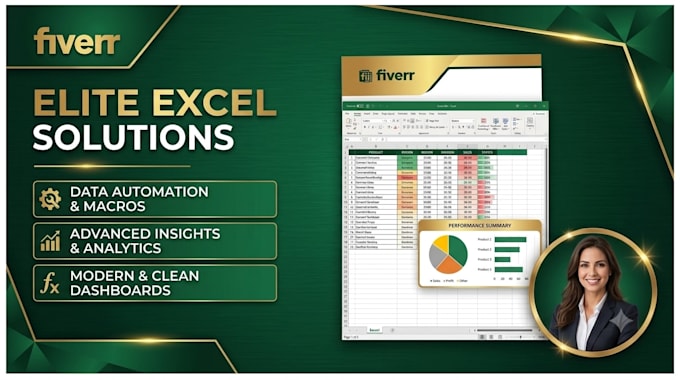
Need an expert to clean your data, fix complex formulas, or design an interactive spreadsheet? You are in the right place! I specialize in advanced Excel formatting, modeling, and dashboard automation.
Services I Offer:
Why Choose Me?
Note: Please message me before placing an order to discuss your requirements.






What information do you need to start the project?
I need your raw data file (Excel, CSV, or Google Sheets) and a clear explanation of what you want to achieve. If you have any specific formatting preferences or specific color schemes, please share those as well.
My Excel file has confidential data. Is it safe with you?
Absolutely. Data privacy and security are my top priorities. I will never share your files, data, or personal details with anyone. Once the project is successfully completed and approved, I can permanently delete the data from my system if requested.
What does "100 items/rows" limit mean in your packages?
It means the package price covers formatting, sorting, or applying formulas for up to 100 entries/rows of data. If your dataset contains more items, you can either purchase my "Gig Extra" for additional items or message me for a custom quote tailored to your dataset size.
Can you fix errors in my existing Excel formulas?
Yes, I can debug and fix broken formulas like #NAME?, #VALUE!, #REF!, or #N/A, and optimize your current sheets to make them work faster and more efficiently.
Do you work with Google Sheets as well as Microsoft Excel?
Yes, I work fluently with both Microsoft Excel and Google Sheets. Most functions and dashboards can be replicated perfectly on both platforms.