Browse categories
English
$
USD
Connect to your AI
A Profesional
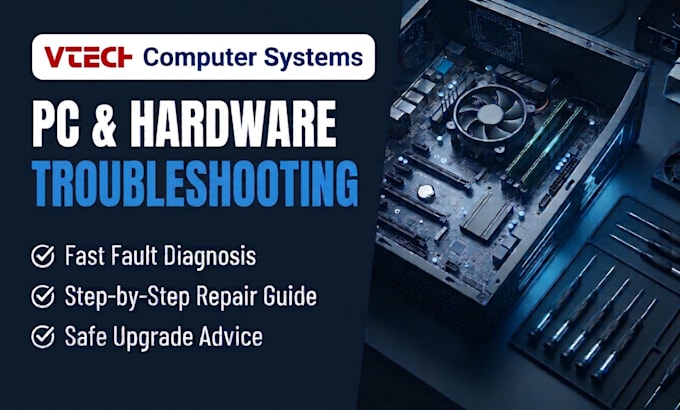
Is your computer refusing to boot, running hot, making unusual noises, or showing hardware errors? Before spending money at a local repair shop, let an experienced technician help you find the exact problem.
As the founder of VTECH Computer Systems, I have years of hands-on experience diagnosing and resolving computer hardware issues and teaching everyday users how their systems work. I explain technical problems in plain, easy-to-follow steps so you feel confident handling the solution.
How I Can Help You:
Fault Diagnosis: Pinpoint failing components (RAM, hard drive/SSD, power supply, cooling fans, or motherboard).
Startup & Boot Issues: Troubleshoot black screens, beep codes, and sudden shutdowns.
Upgrade Advice: Recommend compatible, cost-effective parts to speed up your desktop or laptop.
Safe Guidance: Clear written instructions or live walkthroughs tailored to your skill level.
How It Works:
Send me a message before ordering so we can pick the best package for your issue!
Device:
Desktop
•
Laptop
Operating system:
Windows
How do you diagnose a hardware problem remotely?
Based on the symptoms, error messages, beep codes, or photos/videos you share, I guide you through simple checks (such as BIOS status, temperature readings, or component reseating) to isolate the exact faulty part.
Do I need technical experience to follow your instructions?
• Not at all. Through my work in computer education at VTECH Computer Systems, I specialize in explaining every step clearly and safely for beginners.
Can you help me choose replacement or upgrade parts?
• Yes! Once we identify what needs replacing or upgrading, I will let you know the exact specifications to look for so you buy compatible parts.
