Browse categories
Explore
Fiverr Pro
English
$
USD



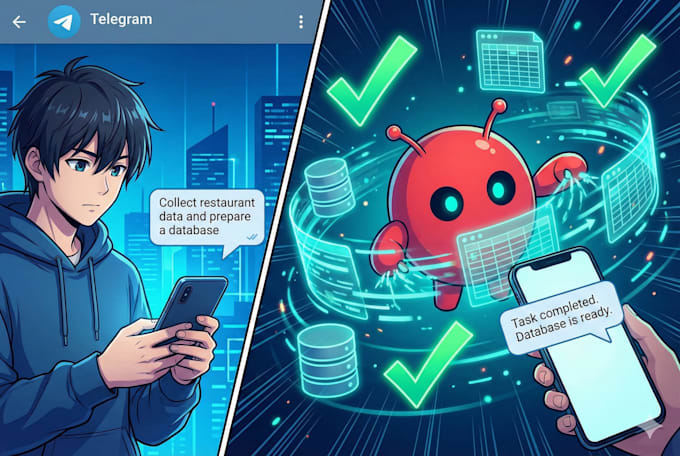
I will install, configure, and deploy OpenClaw Bot a self-hosted AI assistant that connects to platforms like Telegram, WhatsApp, Discord and more on your server.
PC, Mac or Server installation (Node + OpenClaw Bot)
Messaging channel setup
Troubleshooting & testing
Just provide remote PC or server access and messaging platform credentials.
Product Builder
Languages
What OS do you support?
✔ I support installation on any major OS where Node.js 22+ can run, including Linux, macOS, and Windows (via WSL2). MoltBot is written in Node and can run on servers or local machines as long as Node ≥22 is installed and SSH access is available for setup.
Do you provide ongoing support after installation?
Yes — post-installation support is included depending on the package you choose: 📌 Standard / Premium: I provide basic troubleshooting and setup support after delivery (e.g., pairing issues, restart setup) — usually up to 7 days in Premium.
Do you install AI models along with MoltBot?
✔ I install and configure MoltBot’s runtime and environment, which includes connecting it with a model provider (e.g., OpenAI or Anthropic API keys) so it can function properly. This is typically part of the onboarding and configuration wizard.
What do I need to provide before you start?
Before installation I’ll need: ✔ PC, Server or VPS access (SSH credentials) ✔ Node.js environment with required permissions ✔ Your model API keys (OpenAI/Anthropic, etc.) ✔ Messaging platform credentials if you want channel integration (WhatsApp, Telegram, Discord, etc.)
Will the bot run continuously?
Yes — as part of the setup, I configure OpenClaw Bot to run as a daemon/service (using pm2, systemd, or equivalent) so that it restarts automatically and stays running even after reboots for Production-Ready + Optimization package.
Can you connect MoltBot to WhatsApp / Telegram / Discord?
Absolutely — depending on the package, I can connect MoltBot to one or multiple messaging platforms so you can interact with the bot from those apps. The channels supported include WhatsApp, Telegram, Discord, Signal, Slack, iMessage, and more.
What if my server isn’t set up yet?
No problem! I can help you prepare your server environment (Node installation, package dependencies, daemon setup) as additional service.
| (1) | ||
| (0) | ||
| (0) | ||
| (0) | ||
| (0) |
gcwebinc

Canada
A Plus! Did what was asked quickly, great work.
Up to $50
Price
4 days
Duration

Seller's Response
| (1) | ||
| (0) | ||
| (0) | ||
| (0) | ||
| (0) |
gcwebinc
Canada
A Plus! Did what was asked quickly, great work.
Up to $50
Price
4 days
Duration
Seller's Response