Browse categories
Explore
Fiverr Pro
English
$
USD
Modern Excel and Automation Specialist
Are you tired of slow Excel sheets and messy manual data cleaning?
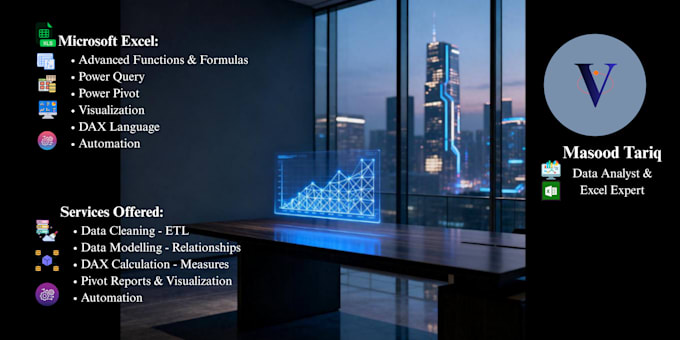
Stop using legacy formulas that break. I build automated, enterprise-level Excel dashboards using Power Query, Power Pivot, and DAX measures.
Your reports will update with a single click.
WHAT I EXCEL AT:
WHY WORK WITH ME?
NOTE: Every dataset is unique. Please click "Contact Seller" to discuss your data structure before ordering!



Expertise:
Business Insights
•
Trends
•
Math
•
Time series analysis
Technology:
Excel
•
Power BI
•
Power Query
Programming language:
SQL
•
DAX
Can you work with files that have more than 1 million rows?
Yes! By loading your data directly into the Excel Data Model via Power Query, we completely bypass Excel's traditional 1,048,576-row limit. The model compresses the data heavily, allowing us to analyze millions of rows seamlessly.
What is the difference between your gig and traditional Excel services?
Traditional services write heavy grid formulas cell by cell, which makes files slow, fragile, and prone to breaking. I use Power Pivot and DAX, which process calculations in memory. This mirrors the technology behind Power BI, making your workbook incredibly robust and professional.
Do I need to re-run your steps every time I get new data?
Not at all. Power Query records your transformation steps like a script. When you get new monthly or weekly data, you replace the old source file (or drop it into the designated folder) and click "Refresh All". Excel handles the rest instantly.