Browse categories
Explore
Fiverr Pro
English
$
USD
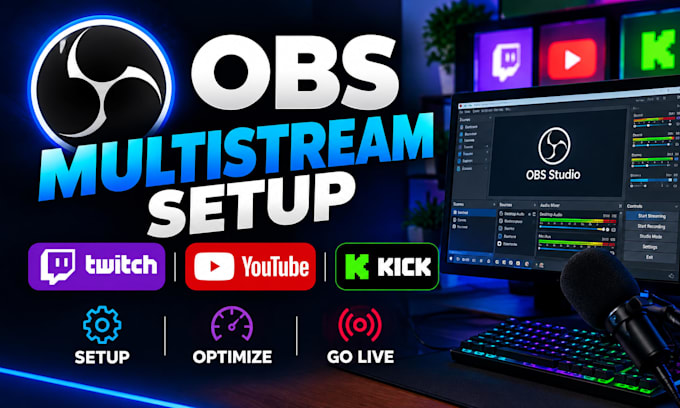
Are you ready to stream on Twitch, YouTube, and Kick at the same time?
I will set up and configure OBS Studio for professional multistreaming, helping you reach multiple audiences from one streaming setup.
Whether you are a gamer, content creator, podcaster, or live streamer, I can help configure your OBS settings for smooth and reliable broadcasts
What I can help with:
Why choose my service?
I focus on a clean, reliable OBS setup tailored to your computer, internet connection, and streaming goals.
Please contact me before ordering so I can understand your setup and recommend the right package.
Let's get your multistreaming setup ready!

Software:
OBS Studio
Platform:
•
Twitch
•
YouTube
•
GosuGamers
•
Kick
Purpose:
Gaming
•
Music
•
Lifestyle
•
Business
•
Streamshare
•
Webinar
Can you set up Twitch, YouTube, and Kick together?
Yes, I can configure OBS for multistreaming to all three platforms
Do I need to provide my stream keys?
Yes, or you can securely authorize your streaming accounts.
Can you fix OBS lag or dropped frames?
Yes, I can optimize your OBS settings to improve streaming performance.
Can you set up my microphone and webcam?
Yes, I can configure your microphone, webcam, and basic audio settings.
Do I need a multistreaming service?
Depending on your setup, a third-party multistreaming service may be required.
Can you set up my OBS scenes?
Yes, I can create and configure scenes and sources based on your package
Can you test my stream before I go live?
Yes, I will test the setup and make sure the main settings are working correctly.
