Browse categories
Explore
Fiverr Pro
English
$
USD

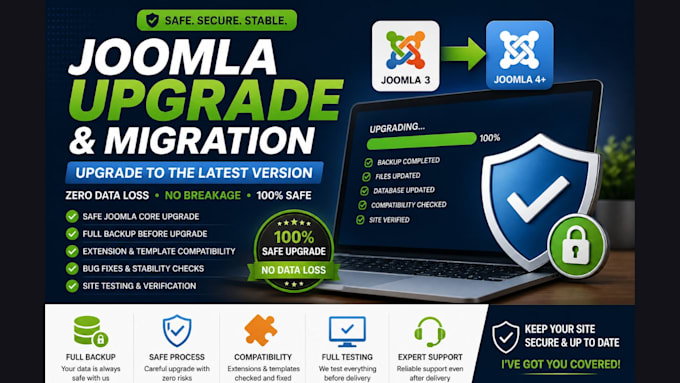

Need to upgrade your Joomla site but worried it might break?
Updating Joomla without the right process can cause compatibility issues, broken layouts, or even complete downtime.
I help upgrade and migrate Joomla setups safely, ensuring everything continues to work properly after the update.
What I handle:
Joomla core updates to the latest version
Migration between Joomla versions (e.g. Joomla 3 to 4)
Extension and template compatibility checks
Fixing issues caused by outdated components
Ensuring stability after the upgrade
My process:
Full backup before any changes
Careful upgrade or migration
Compatibility adjustments if needed
Testing to ensure everything works correctly
This approach ensures your platform is updated without unnecessary risks or disruptions.
Important to know:
Every Joomla setup is different. The time and complexity depend on extensions, templates, and current version.
Please contact me before placing an order so I can review your setup and recommend the safest approach.
Please be aware that it is against Fiverr's policies for sellers to include themes, templates, or any other elements that infringe third-party rights or applicable laws in the delivered work. Read more about in our Guide to Responsible Digital Creation.
Professional apps that grow your business
Languages
Do I need to contact you before placing an order?
Yes, please message me first with your Joomla details. I’ll review your current version and setup to recommend the safest upgrade approach.
Will my site break during the upgrade?
No, I take precautions before making any changes. A full backup is created and the upgrade is handled carefully to avoid downtime or breakage.
Can you upgrade from Joomla 3 to Joomla 4?
Yes, I handle version upgrades including Joomla 3 to Joomla 4, with compatibility checks for extensions and templates.
What do you need from me to get started?
I’ll need access to your Joomla admin panel and hosting (cPanel or similar). All access is handled securely.
What if my extensions are not compatible?
I will review compatibility and either update, replace, or suggest alternatives to ensure your site works correctly after the upgrade.
Will you take a backup before upgrading?
Yes, a full backup is always created before any upgrade. This ensures your data is safe and can be restored if needed.
