Browse categories
English
$
USD
Connect to your AI


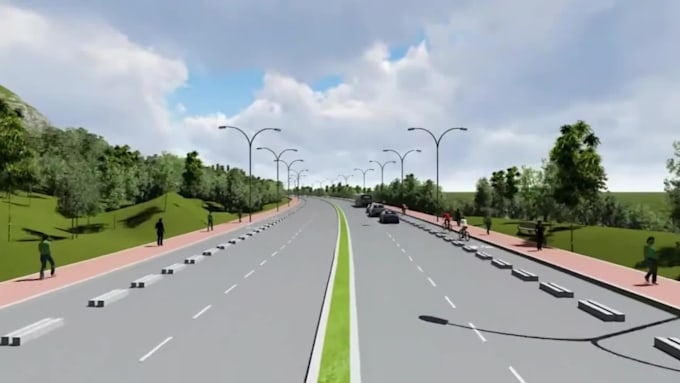
Your road design is approved on paper, but nobody outside engineering can picture it. Councils, investors and the public look at plan and profile sheets and see lines. Meetings drag, approvals stall, and good projects lose support.
A 3D road animation fixes that. I turn your CAD drawings into a realistic 3D road visualization people understand in seconds.
What I create:
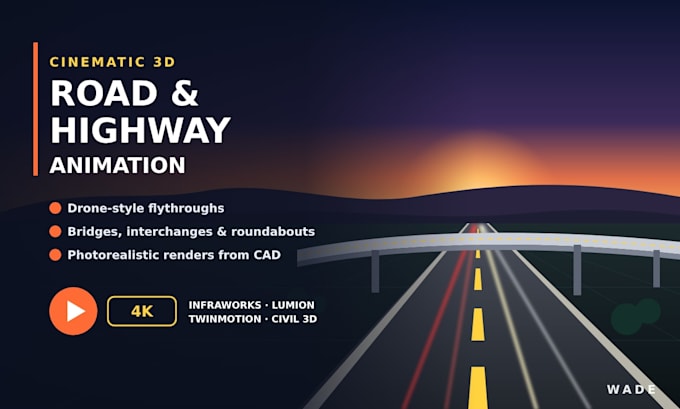
Tools: Autodesk InfraWorks, Civil 3D, Lumion and Twinmotion.
Send me your Civil 3D model, DWG, survey or even a PDF plan. I build the 3D infrastructure visualization, share a preview for feedback, then render the final video.
Ideal for planning approval, public consultation, tender bids and client pitches.
Message me with your drawings and I will tell you which package fits.
It's all about bringing it to life!
Languages
Can you animate my 3d road design from Civil 3D?
Yes. I import your Civil 3D corridor straight into InfraWorks, so the animation matches your design exactly.
Do you do bridge animation and 3d bridge design?
Yes. I can model overpasses, flyovers and footbridges and show them in the flythrough.
Can you show an intersection design or roundabout design?
Yes. I can add moving traffic so viewers see how vehicles flow through the junction.
Do you make construction animation?
Yes. The Premium package shows the build in phases, which works well for civil engineering animation in bids and presentations.
Lumion animation or InfraWorks, which do you use?
InfraWorks for accuracy and Lumion or Twinmotion for the cinematic look. Often I use both.
What if I only have a PDF?
That works. I trace it and build the 3D model from it.