Browse categories
Explore
Fiverr Pro
English
$
USD
IT Infrastructure and DevOps Engineer Cloud, Security and Automation
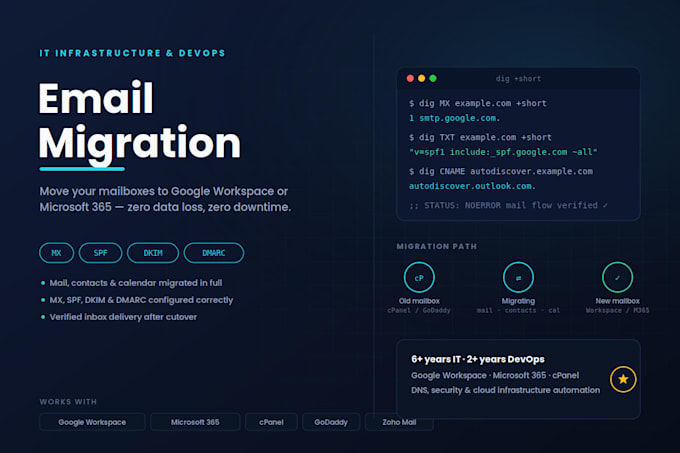
Switching email providers without losing a single message, contact, or calendar event isn't luck it's process. I handle the entire migration end-to-end so your team never sees a gap in their inbox.
What's included:
Migration paths I support:
I work directly with your DNS provider and mail platform admin console no downtime for your business, no lost mail during the switch. Message me with your current setup and mailbox count and I'll confirm scope before we start.

Will my current emails stop working during the migration?
No. I set up the new mailboxes and complete the data transfer first, then switch the MX records only once everything is verified. Your existing inbox keeps receiving mail the whole time — there's no gap in service.
What access do I need to give you?
Admin access to your domain's DNS panel (Cloudflare, GoDaddy, cPanel, etc.) and admin credentials for the source mailbox platform. I'll never ask for your personal email password — only the account-level access needed to run the migration.
How long does DNS propagation take after the switch?
Usually a few hours, though it can take up to 24–48 hours in rare cases depending on your DNS provider's TTL settings. I keep both the old and new systems reachable during this window so no mail gets lost either way.
Will I lose any emails, contacts, or calendar events?
No — everything is copied over, not moved, so the original data stays intact on the source platform until you've confirmed the new mailboxes are working correctly.
What if I have more mailboxes than the package covers?
Just message me your mailbox count before ordering and I'll let you know the right package or a custom quote — no surprise fees mid-project.
What do you need from me to get started?
Your domain name, current DNS/hosting provider, destination platform (Workspace or 365), and the number of mailboxes to migrate. I'll confirm scope and timeline before starting any work.
Is there support after the migration is complete?
Basic and Standard include post-migration deliverability testing. Premium adds 7 days of priority support in case anything needs adjusting after your team starts using the new mailboxes.
