Browse categories
English
$
USD
Connect to your AI
Hi, I'm Aj from MasterTech MultiMedia LLC. I help people put Linux on the devices they already have, by secure remote screen-share. You stay at the keyboard and can end the session anytime.
I have set up:
- Ubuntu on regular PCs
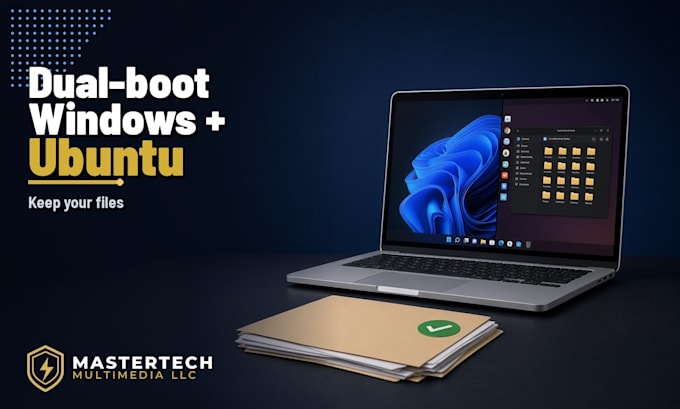
- Windows + Ubuntu (KDE) dual-boot on a Microsoft Surface
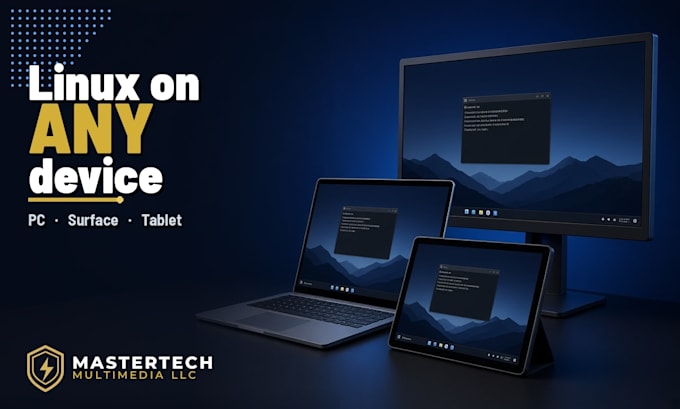
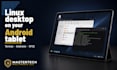
- A Linux desktop on a Samsung Galaxy Tab A11+ using Termux, Andronix Ubuntu, XFCE, and VNC
What I can do for you
- Install Ubuntu, or dual-boot Ubuntu next to Windows, on a PC, laptop, or Surface
- Put a Linux desktop on an Android tablet
- Set a theme and wallpaper so the desktop looks the way you want
- Set up Tailscale so you can reach that machine from another device
Plain talk, no jargon. Message me before you order if you are not sure which package fits. This work is remote only.
I do not work on Apple Macs in this gig.
Fiverr: https://www.fiverr.com/wincfire
Upwork: https://www.upwork.com/freelancers/~01490ede4628937f2b
MasterTech MultiMedia LLC https://mastertechmultimedia.com
Device:
Desktop
•
Laptop
•
Tablet
Operating system:
Windows
•
Linux
•
Android
•
Ubuntu
How does remote setup work?
You install a safe screen-share app (such as AnyDesk or RustDesk). I connect, you watch everything, and you can end it anytime. Please stay at the computer or tablet during the session.
Will this erase Windows or my files?
Not if we dual-boot. Windows stays, and Ubuntu is installed beside it. I will not wipe a drive unless you clearly ask for a Linux-only install and you have already backed up your important files. Please back up your files before we start either way.
What devices do you support?
Windows PCs and laptops, Microsoft Surface devices, and Android tablets (including Samsung). This gig does not cover Apple Macs. Message me first with your exact model if you are unsure it will work.
Do I need to send you my passwords?
No. Never send passwords or codes in Fiverr chat. You type your own passwords on your device when they are needed. I do not need bank or email passwords.
What do I need for a Samsung or Android tablet?
A willingness to sideload Termux (from F-Droid or the official GitHub app, not the Play Store copy) and to turn off Samsung Auto Blocker if your tablet has it. You will also need to give Termux storage access. I will walk you through each step on screen-share.