Browse categories
English
$
USD
Connect to your AI


Build a Modern & Scalable Android App UI
Do you have a Figma, Adobe XD, or PSD design that you want to convert into a real Android app?
Or do you need a fresh, modern Material Design 3 interface built from scratch?
What I Can Do for You:
Android Kotlin Developer
Languages
1. Can you convert Figma or Adobe XD designs directly into Android code?
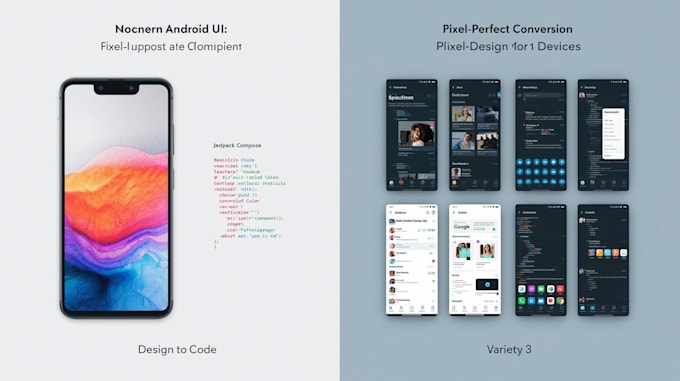
Yes, I specialize in pixel-perfect conversion. Whether you have a Figma, Adobe XD, Sketch, or even a high-fidelity PSD file, I will translate it into clean, responsive XML or Jetpack Compose code that matches your design exactly.
2. Should I choose Jetpack Compose or XML for my project?
It depends on your needs! Jetpack Compose is the modern toolkit recommended by Google for faster development and reactive UIs. However, if your project needs to support older legacy systems or specific custom views, XML is still a solid choice. I can consult with you to decide which is best for your
3. Will the UI be responsive for different screen sizes and tablets?
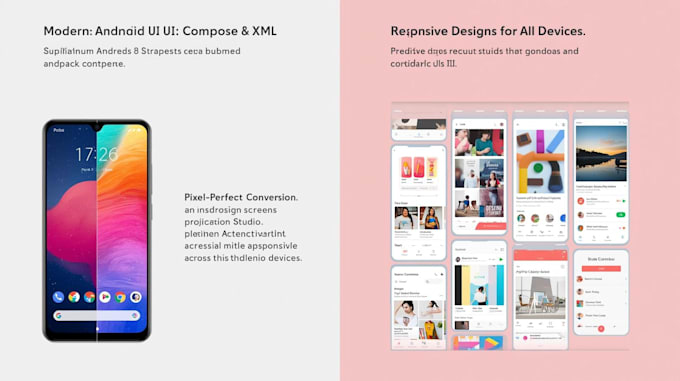
Absolutely. I use ConstraintLayout in XML and BoxWithConstraints or Adaptive Layouts in Jetpack Compose to ensure your app looks professional on small phones, large screens, and even foldable devices.
4. Do you implement Material Design 3 (Material You)?
Yes! I stay up-to-date with the latest Material Design 3 guidelines. I can implement dynamic color schemes, modern typography, and updated components (like the new Navigation Bar and FABs) to give your app a "native" Android feel.
5. Can you add animations and transitions to the UI?
Yes, a great UI is a moving one. I use MotionLayout for XML and Compose Animations (like AnimatedVisibility and Lottie) to create smooth transitions that improve user engagement and give your app a premium feel.
6. Do I get the source code, and is it ready to be linked to a Backend?
Yes, you will receive the full source code organized into a clean folder structure. I follow MVVM architecture, meaning the UI code is separated from logic, making it very easy for you or another developer to connect it to Retrofit, Firebase, or any API.