Browse categories
Explore
Fiverr Pro
English
$
USD
Bangladesh
151 orders completed
Certified PPC, Google Analytics And Webflow Expert
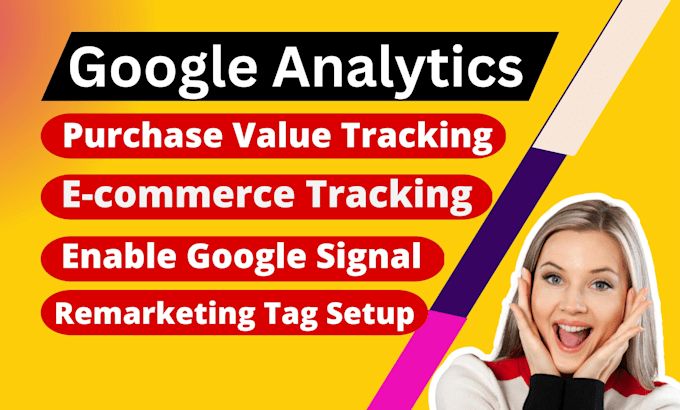
Looking for an expert in Google Tag Manager and Google Analytics 4 who will set up Google Ads Conversion Tracking and Facebook Pixel on your website?
Then you are in the right place. I will help you to set up everything.
𝑮𝒐𝒐𝒈𝒍𝒆 𝑨𝒏𝒂𝒍𝒚𝒕𝒊𝒄𝒔 4 𝒂𝒏𝒅 𝑮𝒐𝒐𝒈𝒍𝒆 𝑻𝒂𝒈 𝑴𝒂𝒏𝒂𝒈𝒆𝒓:
Smooth transition from Universal Analytics to GA4
Set up GA4 Conversion Tracking and Server-Side Tracking
Configure custom events, goals, and tracking
Implement Enhanced E-Commerce Tracking Events
Upgrades to Universal Analytics
Cross-Domain Tracking
𝑭𝒂𝒄𝒆𝒃𝒐𝒐𝒌 𝑷𝒊𝒙𝒆𝒍 & 𝑾𝒆𝒃 𝑬𝒗𝒆𝒏𝒕 𝑻𝒓𝒂𝒄𝒌𝒊𝒏𝒈:
Integrate Facebook base Pixel with website
FB E-commerce Events tracking (ViewContent, Add to cart, Checkout & Purchase)
FB Custom events tracking
Facebook Lead, Registration & Subscribe Event Tracking
𝑮𝒐𝒐𝒈𝒍𝒆 𝑨𝒅𝒔 𝑪𝒐𝒏𝒗𝒆𝒓𝒔𝒊𝒐𝒏 𝑻𝒓𝒂𝒄𝒌𝒊𝒏𝒈:
Setup Google Ads Add to cart tracking & Checkout tracking
Setup Google Ads purchase with Dynamic value tracking
Setup Google Ads Lead form tracking and remarketing tag
Setup Google Ads Phone call tracking (Ad + Website)
I'm Highly Organized And Deeply Passionate About My Work.

What is Google Analytics 4 (GA4)?
Google Analytics 4 is the latest version of Google Analytics, which provides a more comprehensive view of user behavior and engagement across multiple platforms and devices. It includes advanced analytics features such as machine learning and predictive modeling.
What is GTM?
Google Tag Manager (GTM) is a free tool provided by Google that allows you to manage and deploy tracking codes and marketing tags on your website without needing to modify the website code directly.
Why use GTM for GA4 ecommerce tracking?
Using GTM to deploy GA4 ecommerce tracking allows you to easily manage and update your tracking tags without having to modify your website's code. This means you can quickly make changes and track new events without needing to involve your web developer.
What are the steps to set up GA4 ecommerce tracking via GTM?
Create a GA4 property in your Google Analytics account Create an enhanced ecommerce data layer on your website Set up the GTM container on your website Create tags in GTM to track ecommerce events Set up triggers in GTM to fire the tags based on user actions Test and verify the tracking is working
How do I set up GA4 ecommerce tracking via GTM?
You can set up GA4 ecommerce tracking via GTM by creating a new tag in GTM and selecting "Google Analytics: GA4 Configuration" as the tag type. Then, you can configure the tag with the appropriate ecommerce parameters and trigger it on relevant pages.
What are some benefits of using GA4 ecommerce tracking?
Some benefits of using GA4 ecommerce tracking include the ability to track and analyze user behavior across multiple devices and platforms, measure the performance of individual products and product categories, and gain insights into customer lifetime value.
Is GA4 ecommerce tracking compatible with my ecommerce platform?
GA4 ecommerce tracking is compatible with a wide range of ecommerce platforms, including Shopify, WooCommerce, Magento, and more. However, you may need to customize the tracking code or use a third-party integration to ensure compatibility.