Browse categories
Explore
Fiverr Pro
English
$
USD
Where Creativity Meets Code
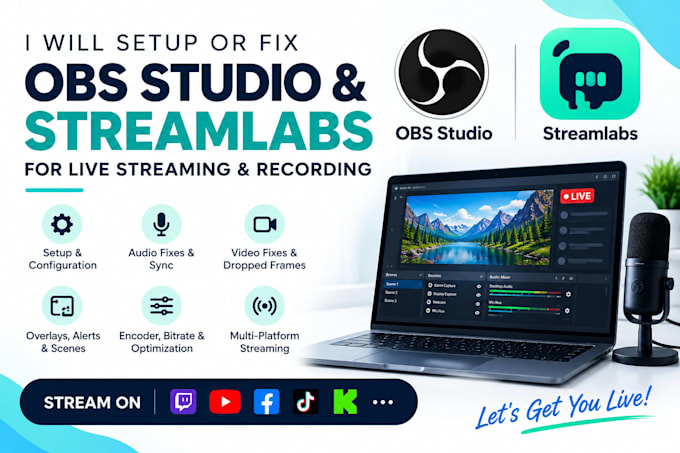
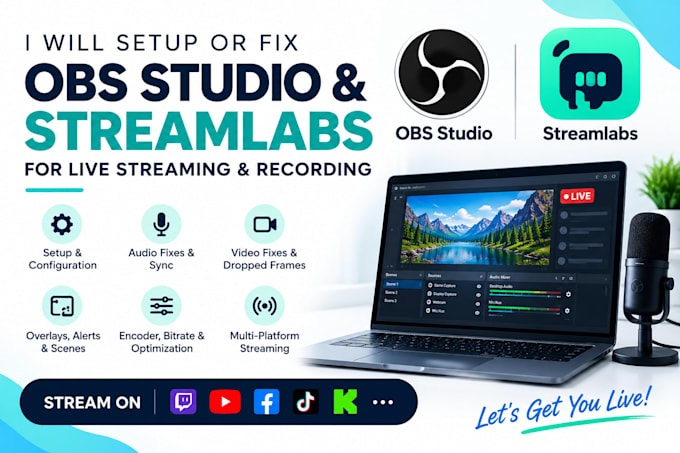
Struggling with dropped frames, audio delays, or streaming errors? I'll help you set up, fix, and optimize your streaming software for smooth, professional live streaming and recording.
MY SERVICES
OBS Studio and Streamlabs setup and configuration
Audio troubleshooting, syncing, and mixer setup
Fix lag, dropped frames, black screens, and capture errors
Stream overlays, alerts, scenes, and transitions
NDI and Windows capture troubleshooting
Stream chat and in-stream call setup
Microphone, webcam, and capture card configuration
Encoder, bitrate, resolution, and recording optimization
SOFTWARE I SUPPORT
OBS Studio
Streamlabs Desktop
StreamElements
vMix
XSplit
PLATFORMS I SUPPORT
Twitch
YouTube Live
Facebook Live
TikTok Live
Kick
Whatnot
Custom RTMP destinations
WHY CHOOSE ME?
I focus on reliable performance, clear audio, sharp video, and settings tailored to your needs. Whether you're a beginner or an experienced creator, I'll help you stream with confidence.
LET'S GET YOU LIVE!
Message me today to discuss your requirements and get your streaming setup running smoothly.


Software:
Streamlabs OBS
Platform:
•
Twitch
•
YouTube
•
Bigo Live
•
Kick
Purpose:
Gaming
•
Music
•
Lifestyle
•
Business
•
News
•
Streamshare
Should I use OBS STUDIO or Streamlabs OBS?
Both work great — I set up and fix either one depending on what suits your PC and streaming goals. If you also want custom overlay design, check my dedicated overlay gig.
How long will it take to setup OBS?
Most are completed within 1 day, depending on complexity. Setup duration depends on your requirements and needs. It can take from 30 minutes to 2-3 hours depending on requirements.
What happens if I run into any troubles after the setup?
You can always ask me for help and I will be happy to help you out within a month.
Do you only set up OBS, or can you fix PC performance issues too?
Along with OBS/Streamlabs setup, I also optimize your PC's graphics drivers, power settings, and performance configuration for smoother gaming and streaming.
What do you need from me to get started?
Remote access to your PC (Chrome Remote Desktop, TeamViewer/AnyDesk/AnyViewer), your streaming goals, and any reference overlays or styles you like.